Your cart
There are no more items in your cart
Available for order

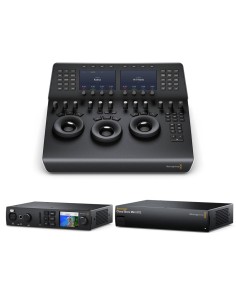
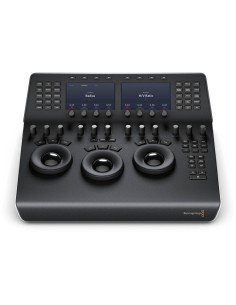
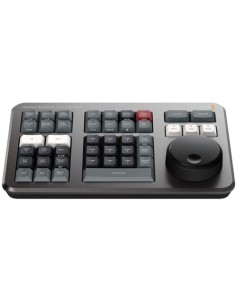
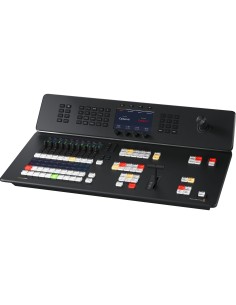
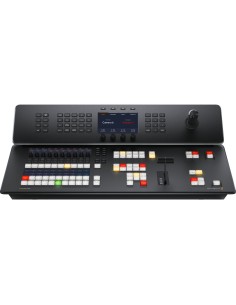
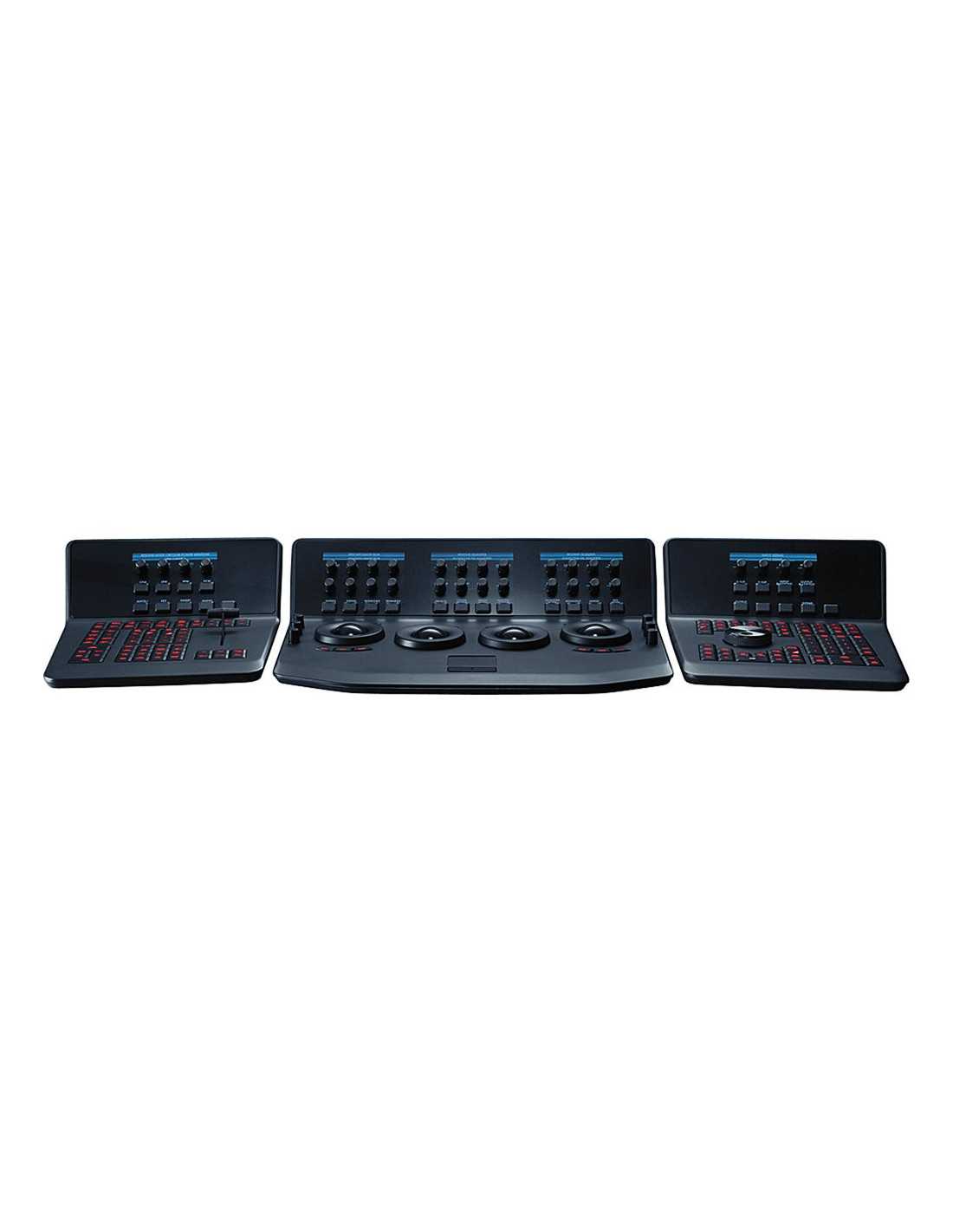
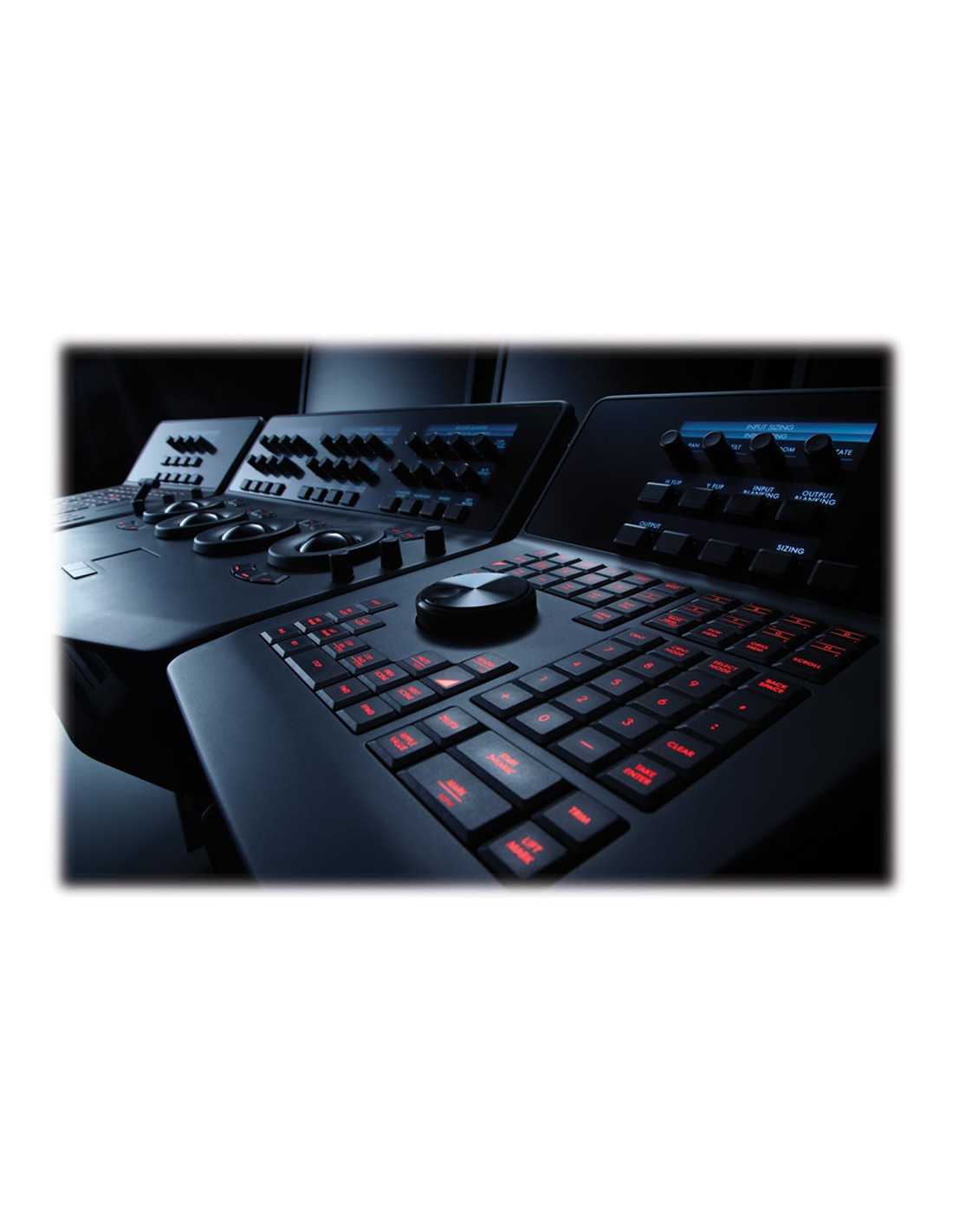
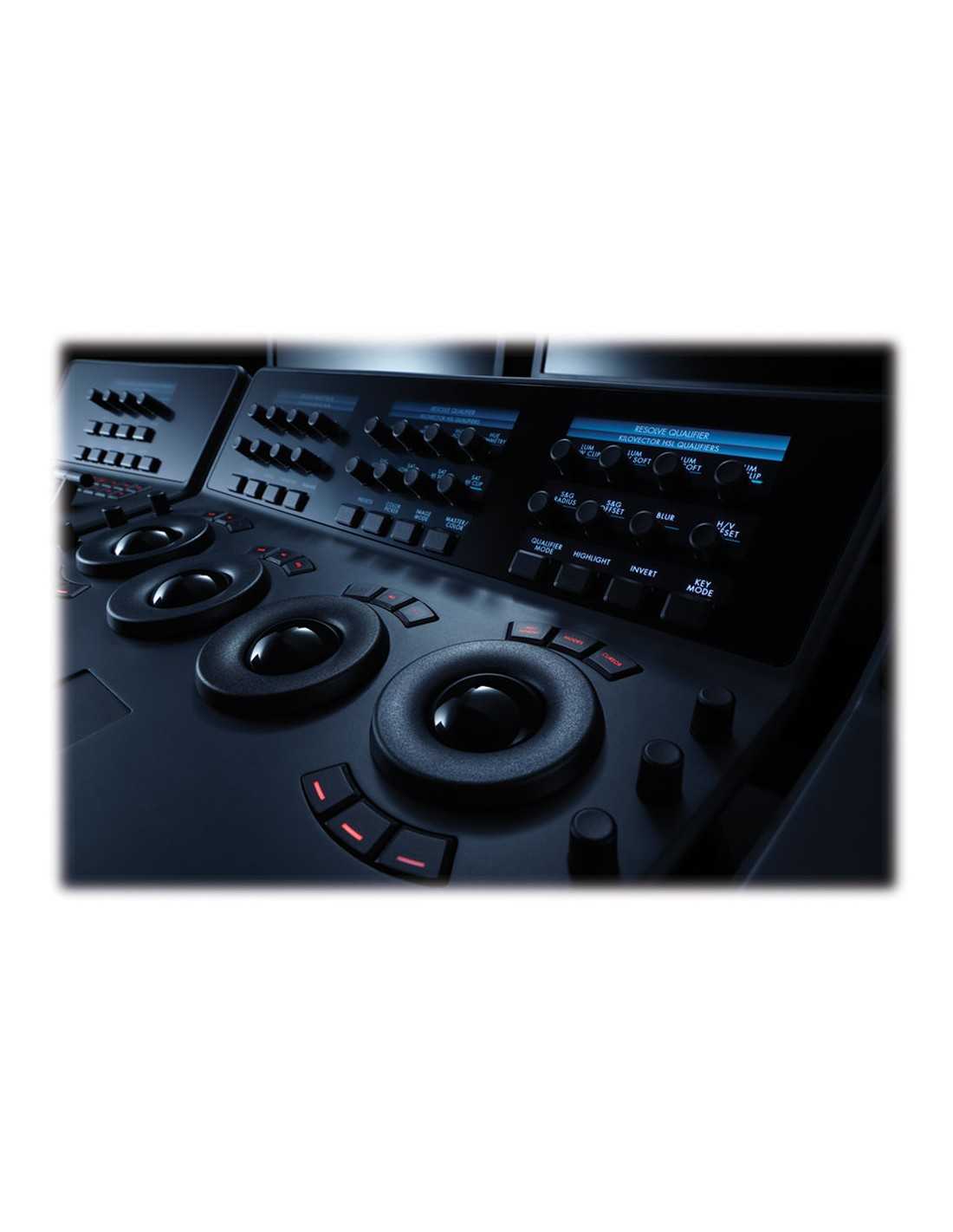
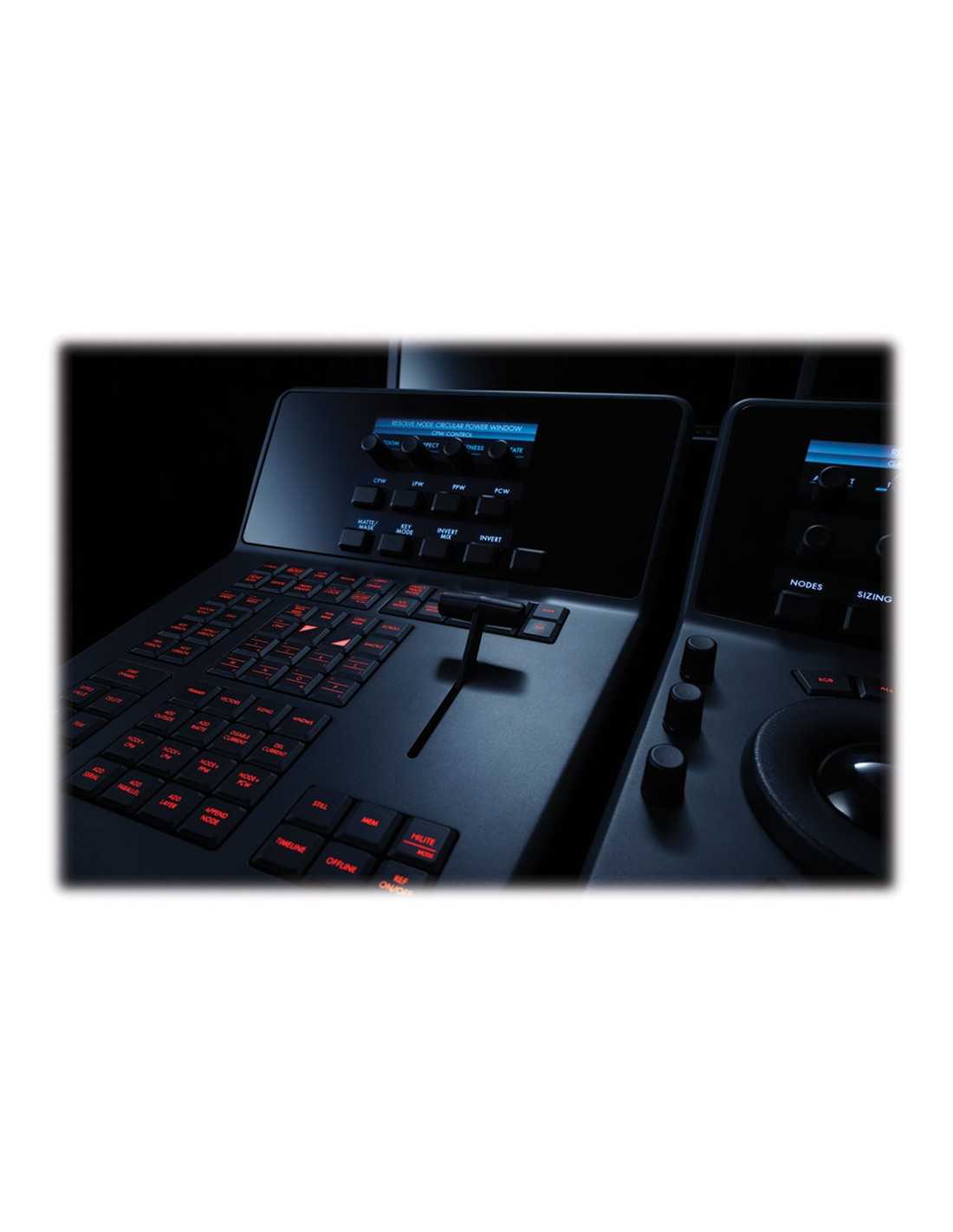
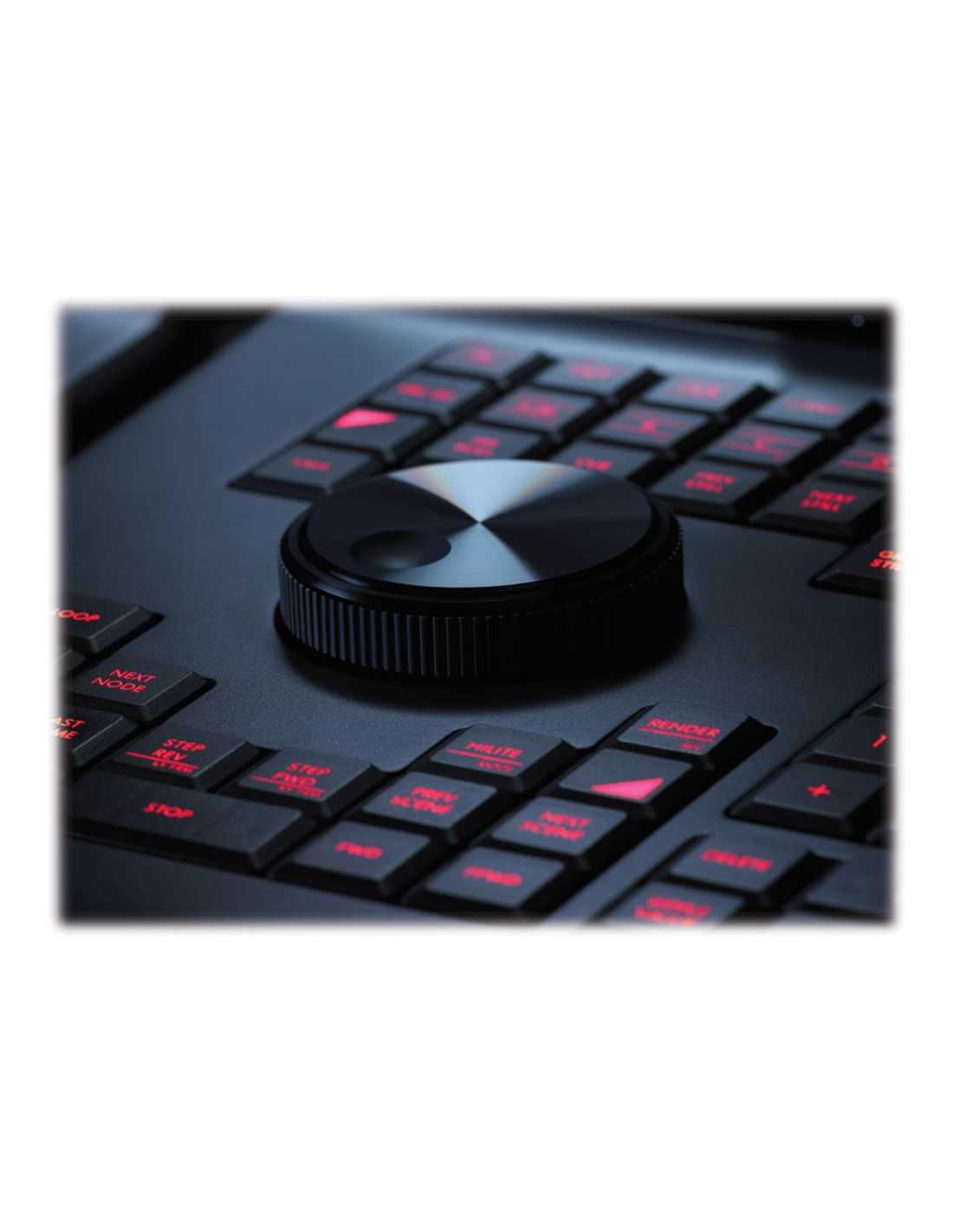
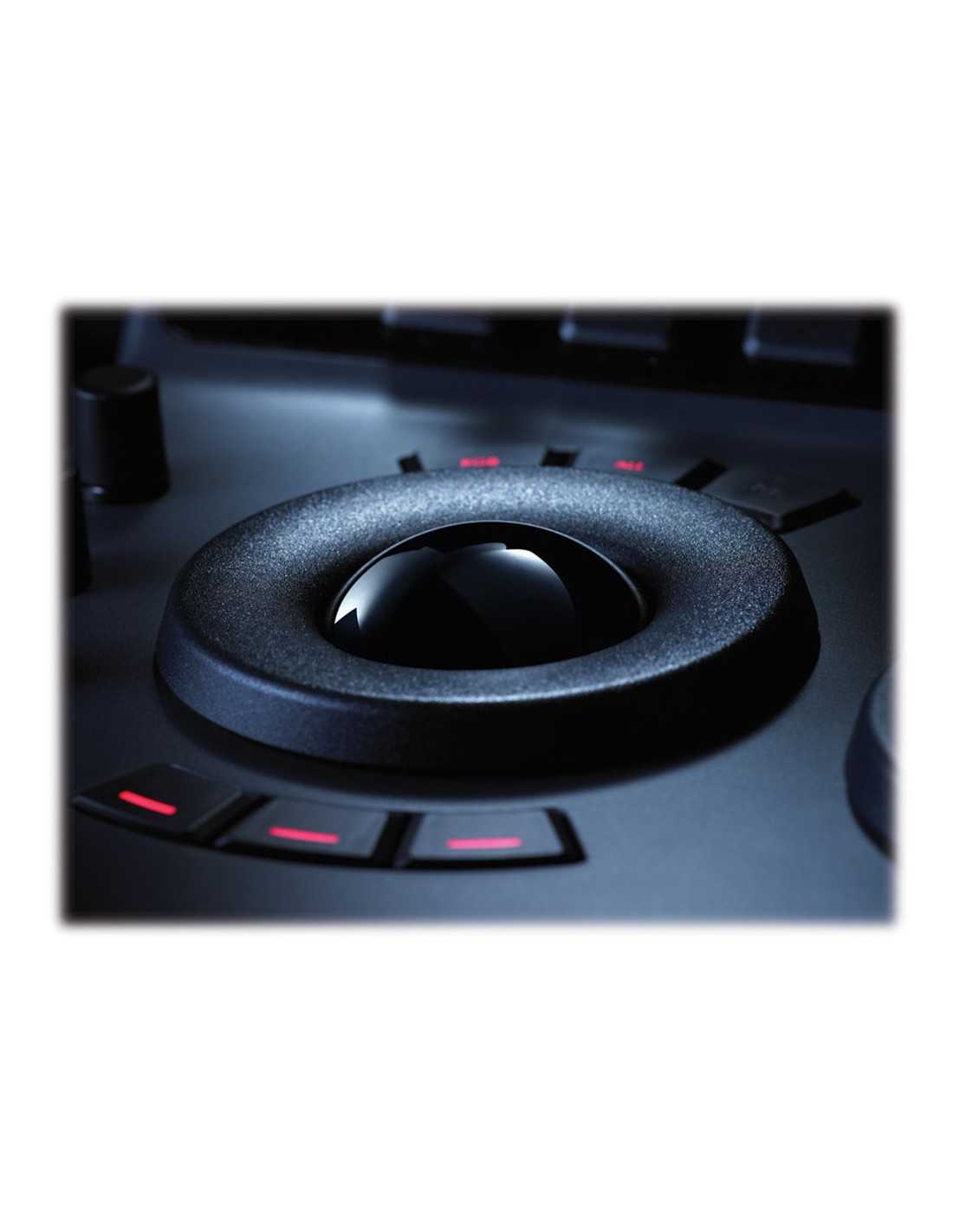
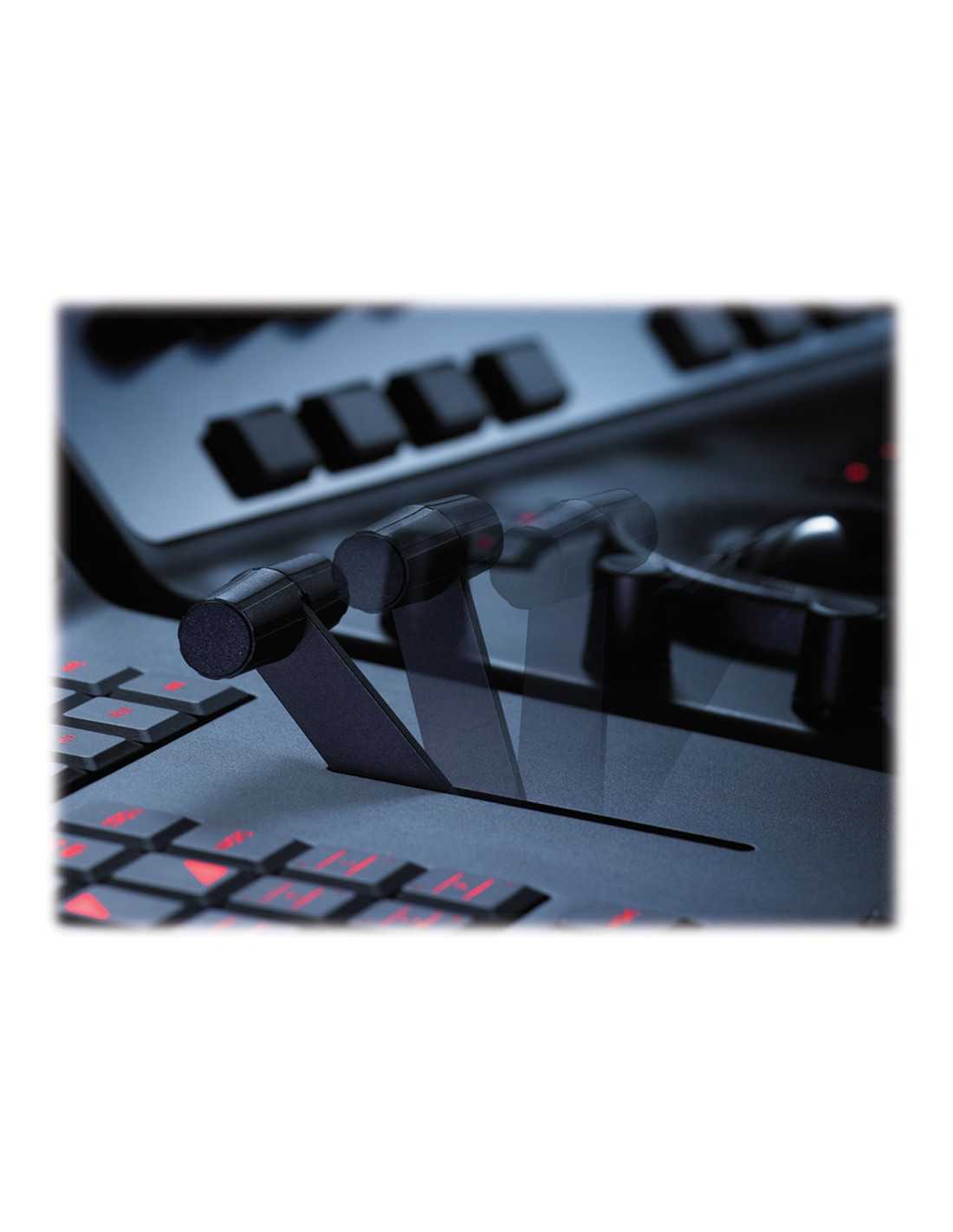
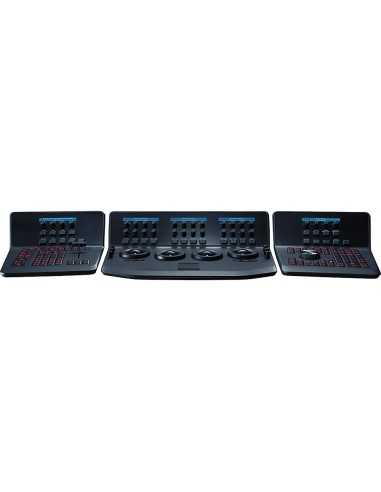
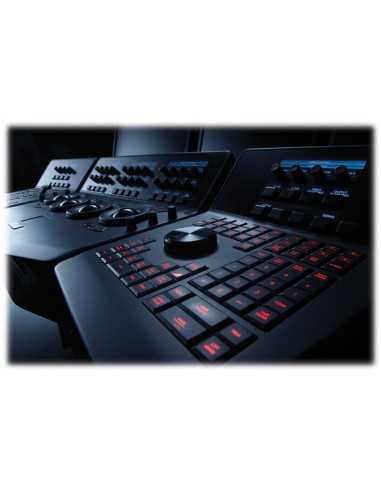
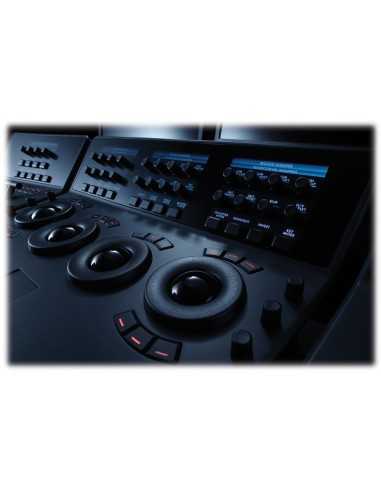
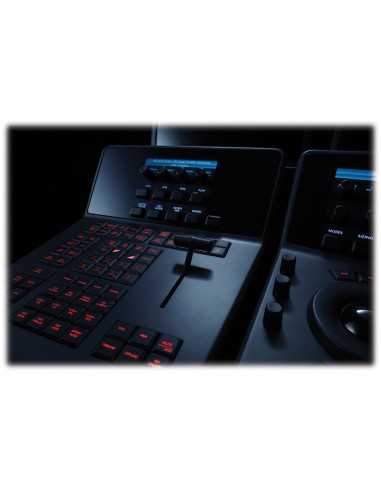
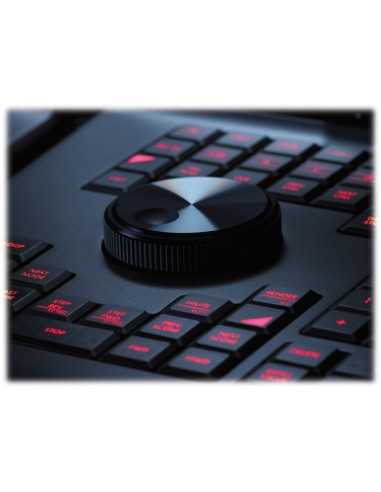
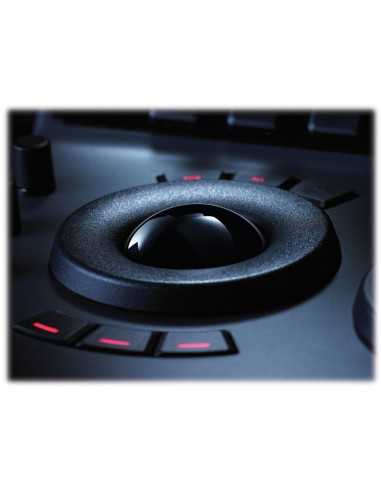
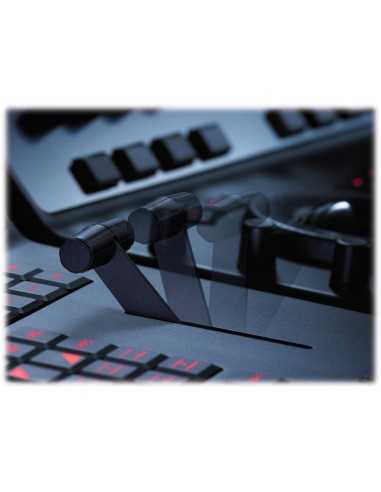
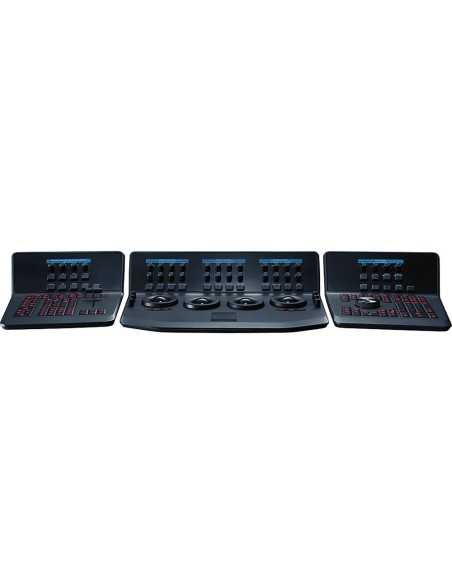
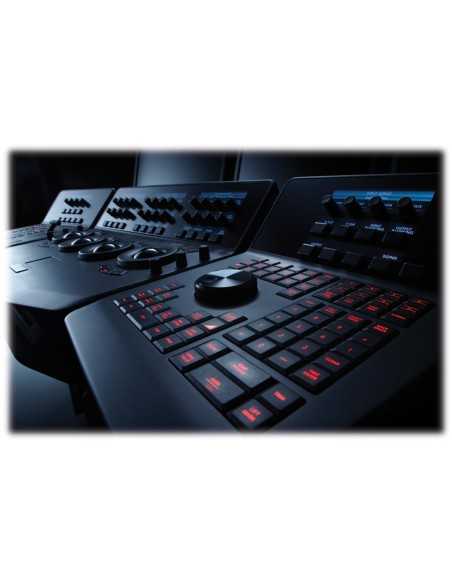
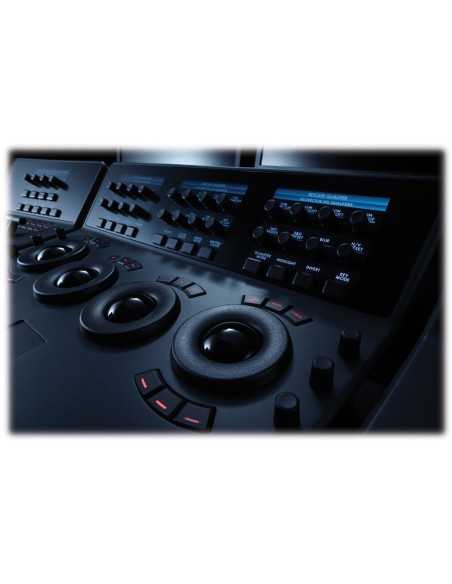
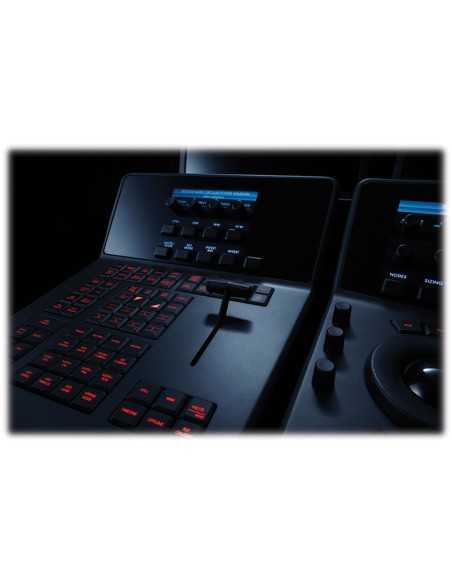
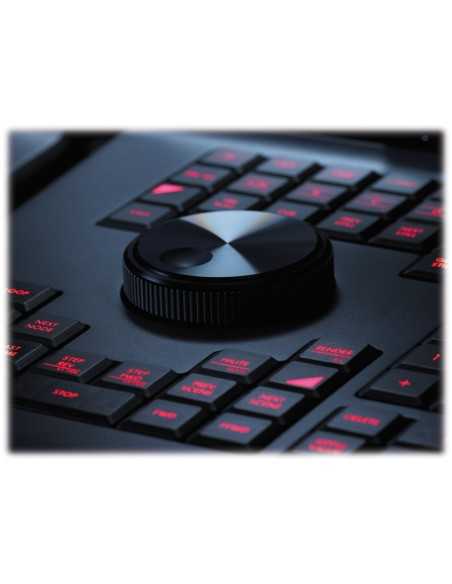
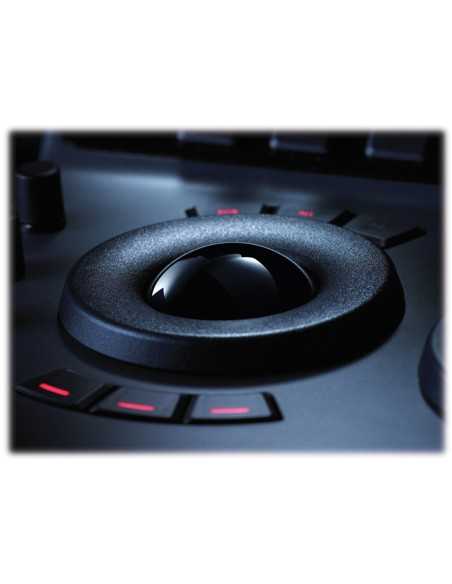
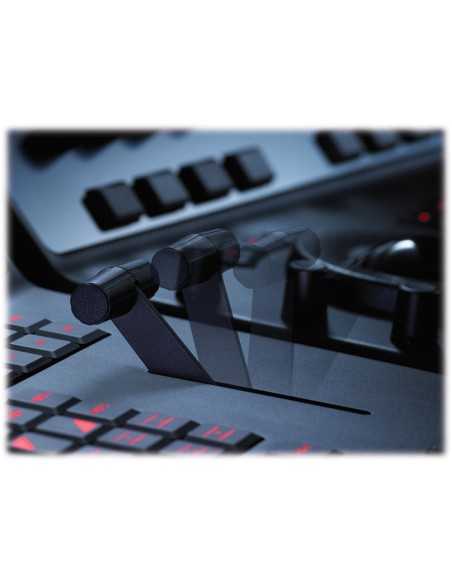
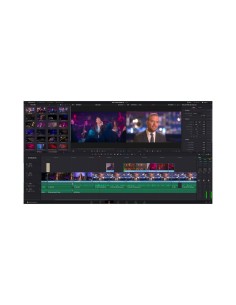
Blackmagic Design DaVinci Resolve Advanced Panel, Control surface for Resolve controls, T-bar panel and transport panel, Pull out keyboard, reference buttons, RGB trackball with lift, gamma and gain, Real time node based image processing, 32-bit YRGB/floating point processing, 5 LCDs with real time key information, 30 soft knobs, illuminated buttons, jog/shuttle wheel and transport controls. Compatible with Mac, Linux and Windows. Consisting of three ergonomic control surfaces and a pull out keyboard, the DaVinci Resolve Advanced Panel gives you complete control over your color grading sessions. Each function has its own button, knob and high resolution trackball with ring so you can create countless looks quickly and creatively.
Blackmagic DaVinci Resolve control surface is the solution for the color correction of images and video editing with the highest performance in the world, it is based on the management of images through nodes, thanks to which each node can have a color correction. Each connection between the various nodes can be changed at any time in sequence or in parallel without limits.
Knots for unlimited creativity!
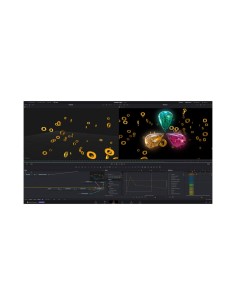
The node system on which DaVinci is based allows surprising freedom and power, each node is similar to a layers with color correction, power windows and effects, but much more powerful as it is possible to modify the connections between the nodes.
Each node has full YRGB processing with primary and secondary commands, ift, gamma, gain, hue, saturation, luminance, calibrated printer lights, matte defocus, image defocus, 3D object tracking, YSFX, Custom Curves ™, soft clip, highlight, circle, rectangle and polygon Power Windows ™, plus the new Power Curve ™ windows.
Real Time 4: 4: 4 SD, HD and 2K
Blackmagic DaVinci Resolve control surface takes full advantage of the performance of the GPU in order to make all processes in real time 4: 4: 4 SD, HD and 2K without disk caching; it processes with dozens of primary, secondary, multiprocess, blurs windows active at the same time.
Blackmagic DaVinci Resolve control surface for Mac OS X requires dedicated control systems and a video card compatible with Nvidia's CUDA architecture. For video inputs and outputs it is possible to take advantage of the DeckLink HD Extreme with support for HD-SDI 4: 4: 4, 10 bit on 3Gb / s single link, and support for 2K-SDI with 3Gb / s 4: 4: 4 , 10-bit @ 2048x1556 @ 23.98, 24, 25fps.
Advanced control panel
Thanks to the control panel that works in perfect harmony with the software, performance is increased; for each command a button, this makes color corrections and video editing at your fingertips and snapshots reducing editing times.
The DaVinci Resolve control panel was designed by colorists to work in total harmony with the DaVinci Resolve software. The controls have been placed close to the natural position of the hand all the controls for lift, gamma and gain can be adjusted at the same time. Each control has a separate button or knob so you can instinctively reach every part of your image with a single command.
Features
Operations processed at 32 bit floating point;
Flat gamma, linear or log image quality and color correction;
Resizing, repositioning, zoomin / out in real time and high quality yrgb;
Image management with independent and combinable nodes;
Management of saturation, hue, brightness, print light calibration, focus, defocus in real time;
Automatic 3d motion tracking;
Binocular vision given by stereoscopic 3D management;
Integrated control between software and control panel;
Real time file optimization and video editing;
Maximization of modification times with the gallery of upgraded files;
Control panel perfectly integrated with the software;
38 independent keys and knobs, each customizable;
Removable keyboard;
High resolution LCD;
Illumination of the control buttons;
Buttons to define every minimum parameter;
Technical features
General specifications
Connection: Ethernet
Supported Applications: DaVinci Resolve
Host OS: Mac OS X
Display Types: High Resolution LCD Displays
Commands
Soft Lables
Transport Control
Jog Shuttle
Tracker Balls: Lift Gamma and Gain
Built-in Keyboard
Numeric Pad
Additional Requirements Required
USB port for Dongle
Blackmagic Design Decklink HD Extreme 3 or 3D (Mac OSX does not support stereoscopic grading function)
Final Cut Pro Final Cut Pro to handle any codec
Description
Color: Black Body, Blue LCD, Red Illuminated Buttons
Central panel
Length: 195.5mm (7.69in)
Height: 574.1mm (22.60in)
Depth: 460.7mm (18.14in)
Weight: 12.2kg (26.9lb)
Left / right panel
Height: 195.5mm (7.69in)
Length: 333.5mm (13.13in)
Depth: 421.8mm (16.60in)
Weight: 4.8kg (10.6lb)

Blackmagic has grown rapidly to become one of the world's leading innovators and manufacturers of creative video technology. And that's because our philosophy is refreshing and simple - to help true creativity blossom.
Blackmagic Design's founders have had a long history in post-production editing and engineering. With extensive experiences in high-end telecine, film and post, harnessed with a real passion for perfection, Blackmagic set out to change the industry forever.
A company dedicated to quality and stability and focusing on where it's needed most; Blackmagic has created some of the most talked about products in the industry. World famous for their unbeatable codecs, Blackmagic envisioned truly affordable high-end quality editing workstations built upon Blackmagic software and hardware.