Your cart
There are no more items in your cart


Last items in stock

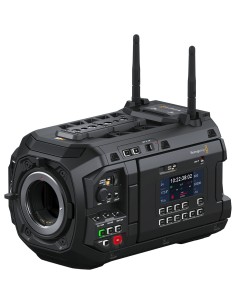
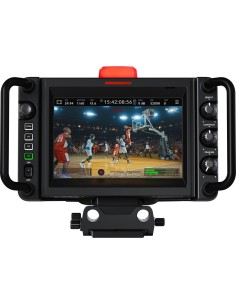
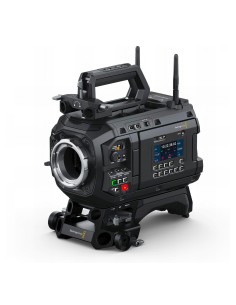
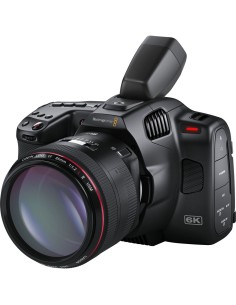
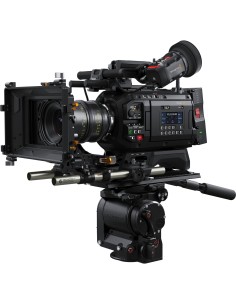
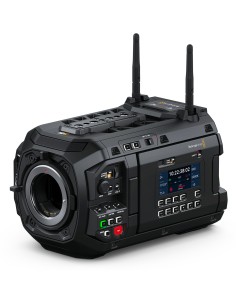
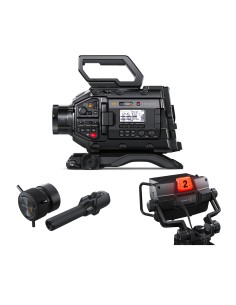
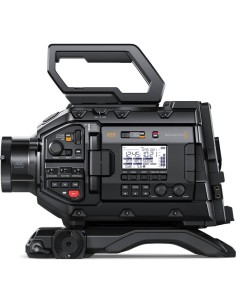
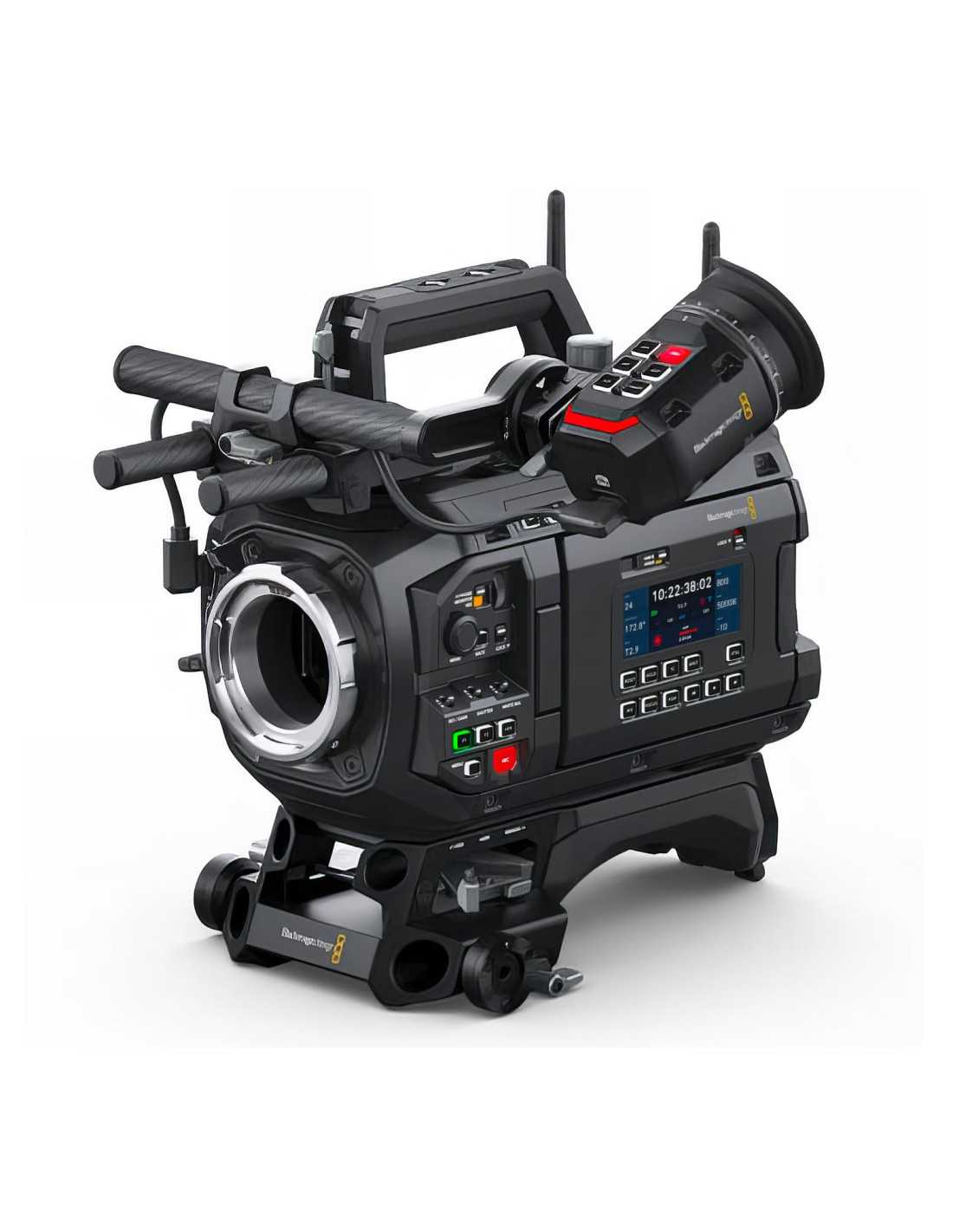
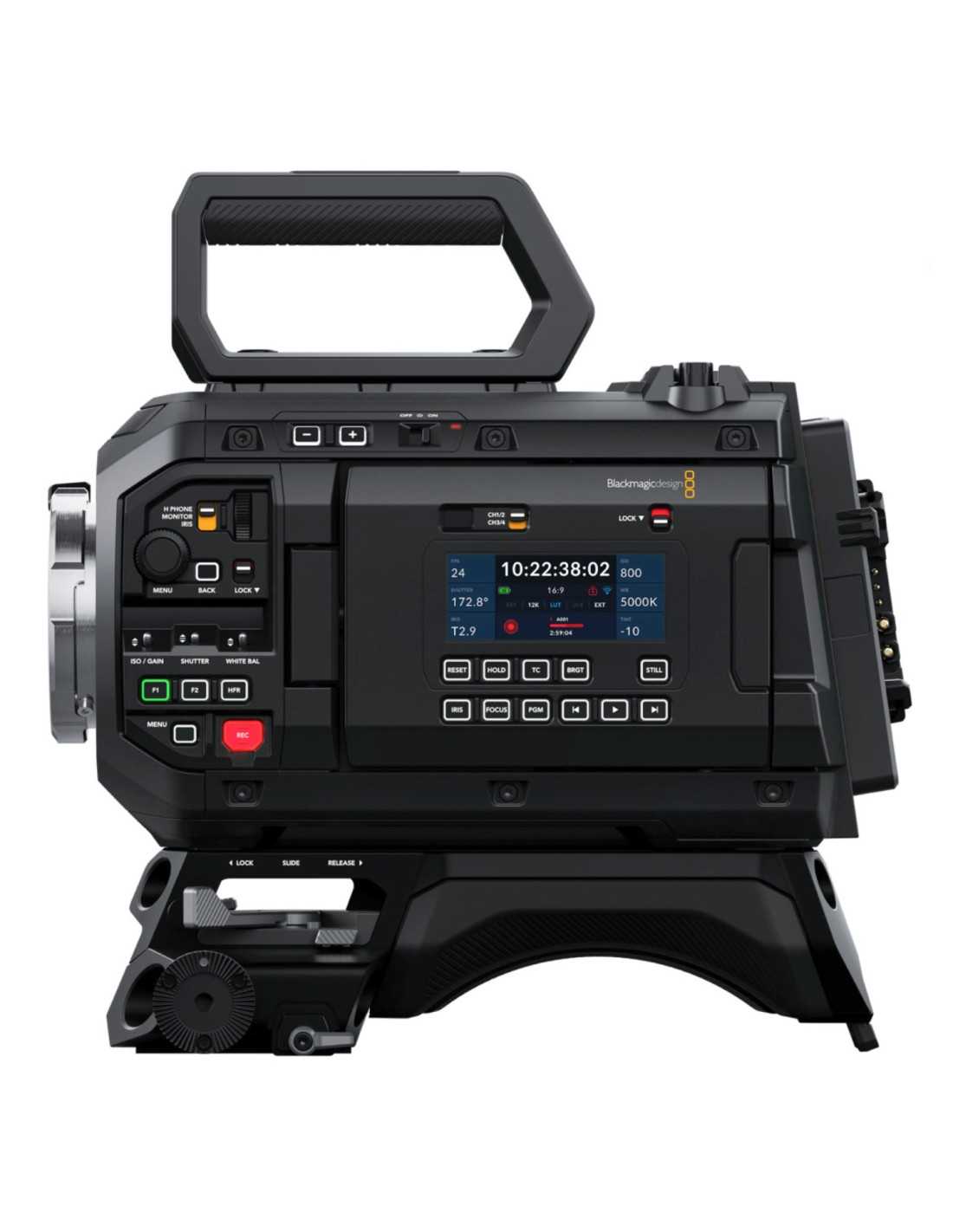
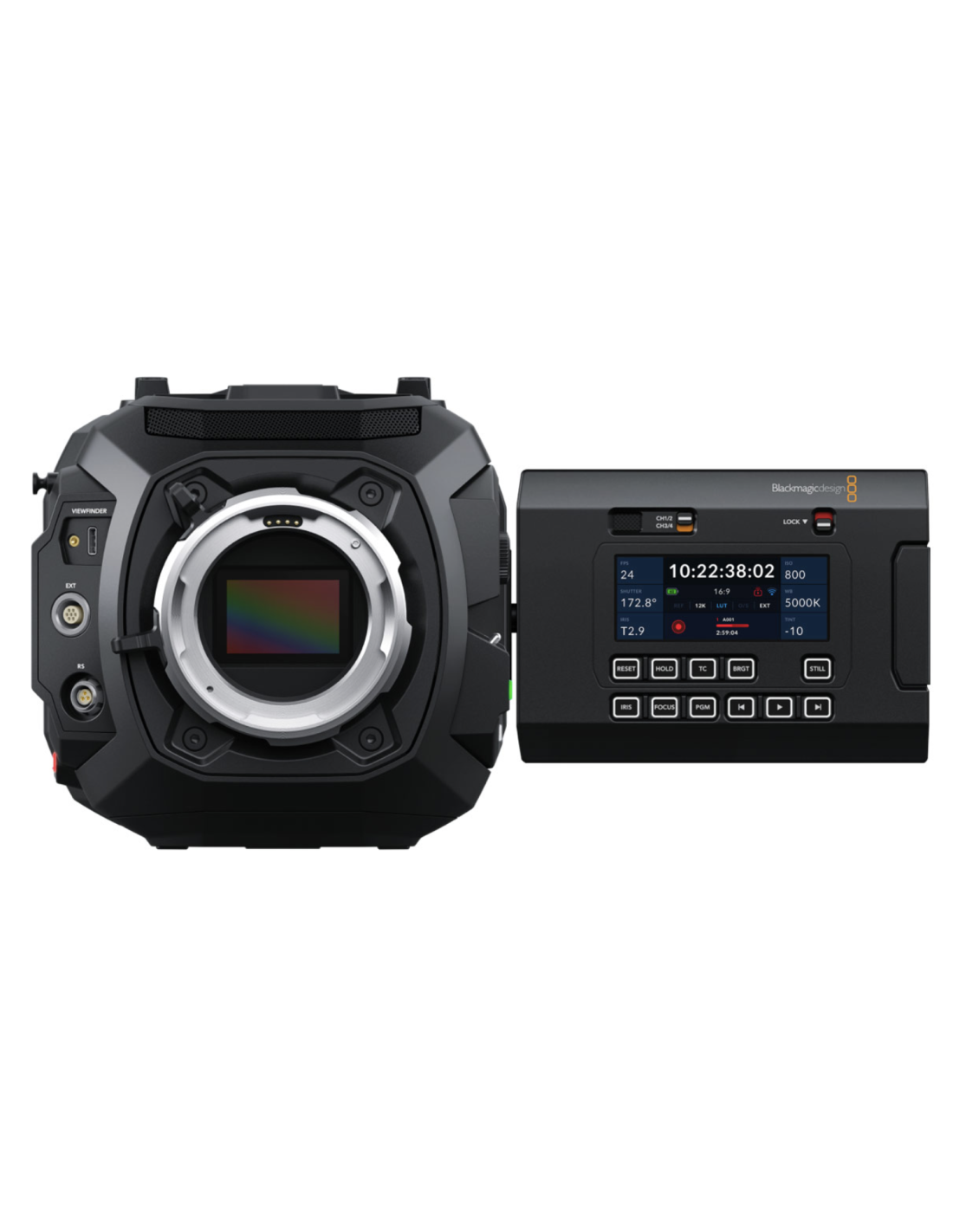
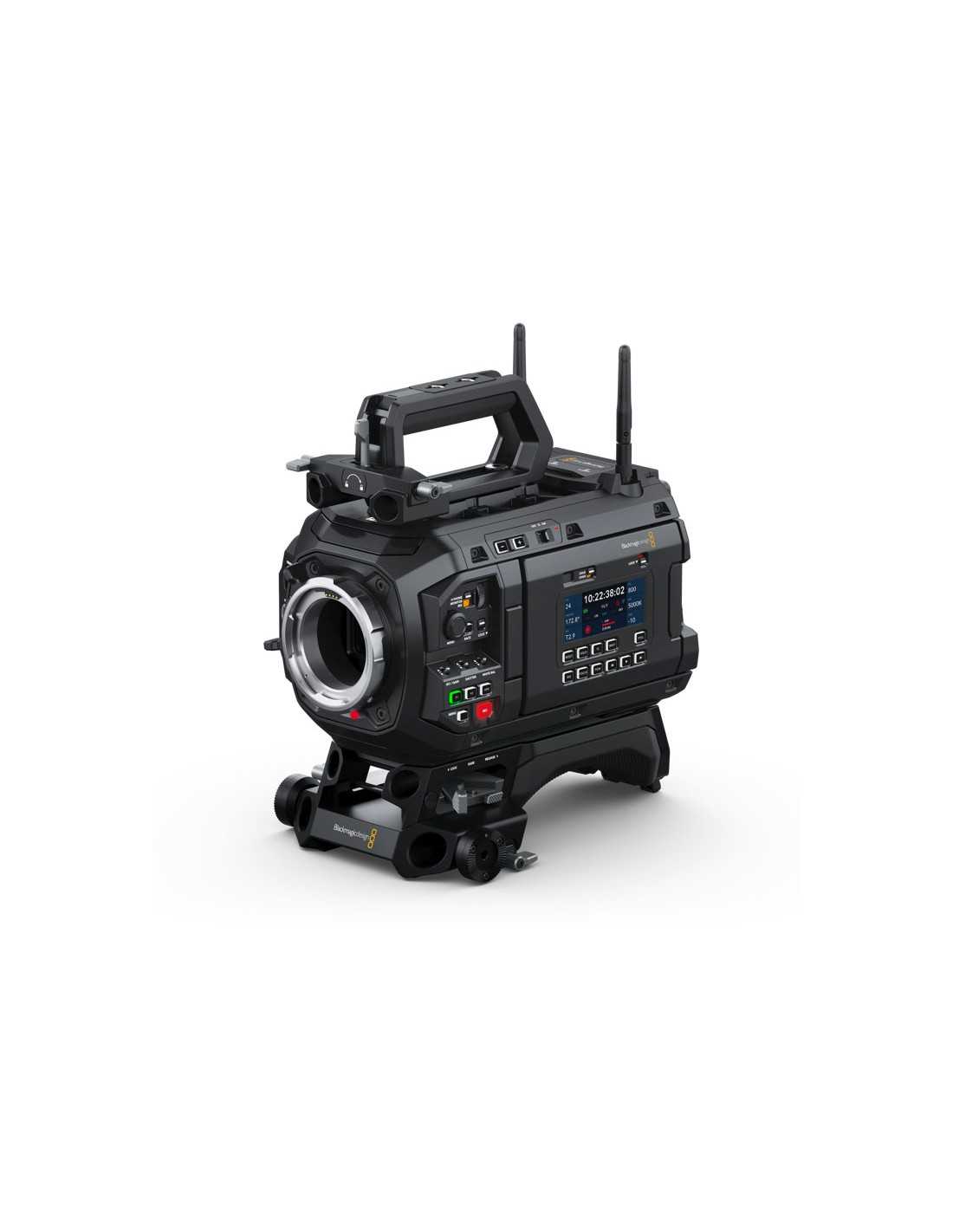
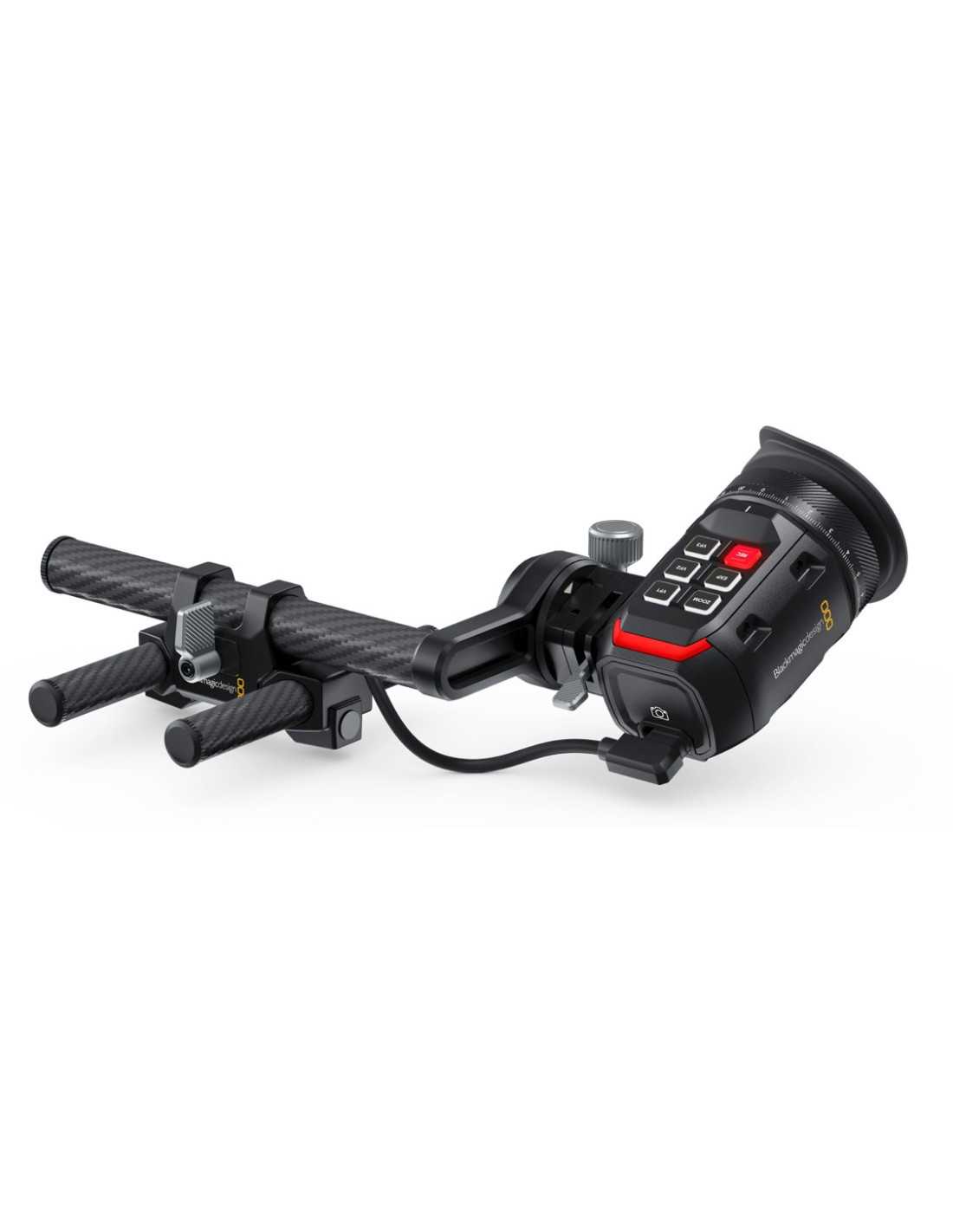
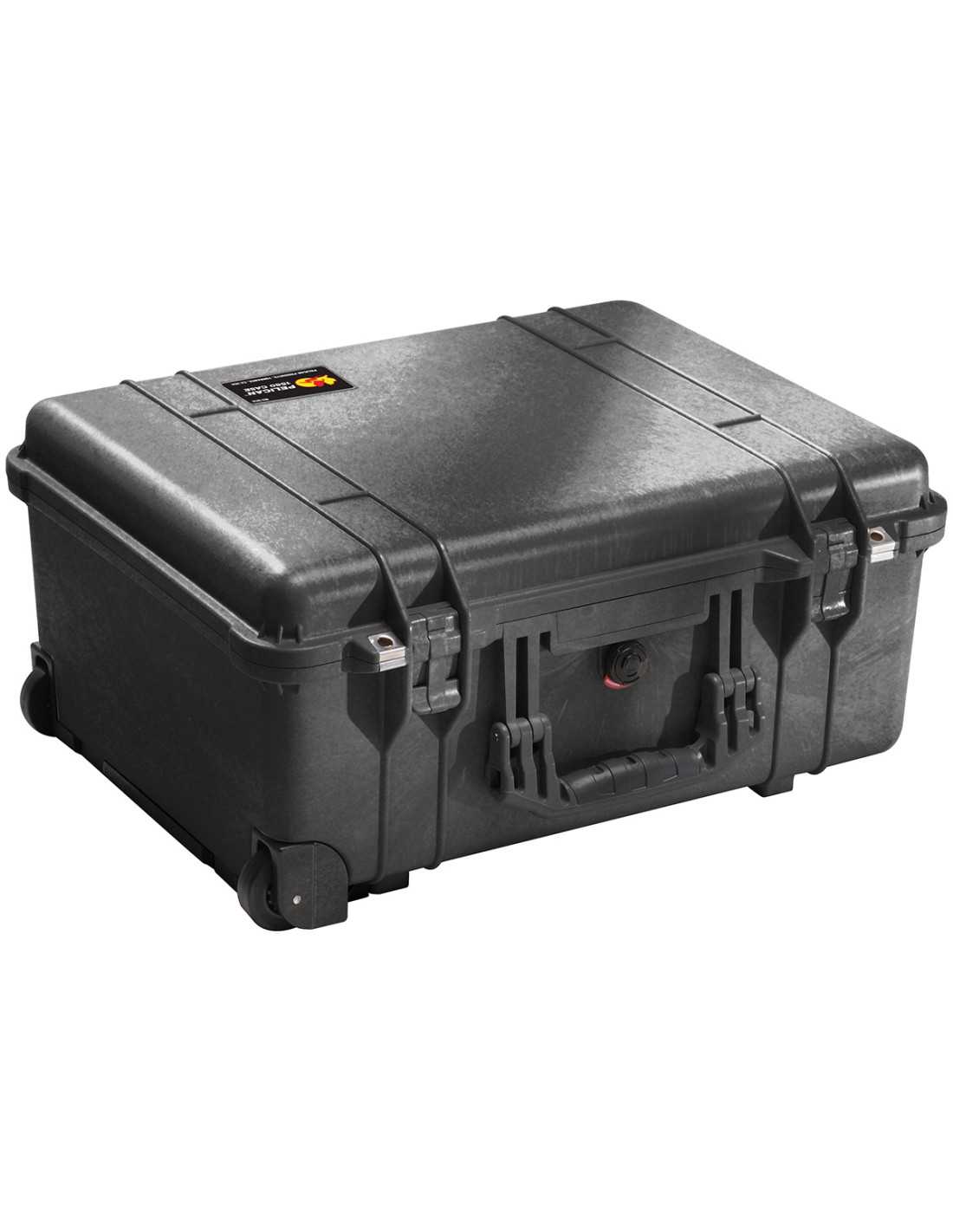
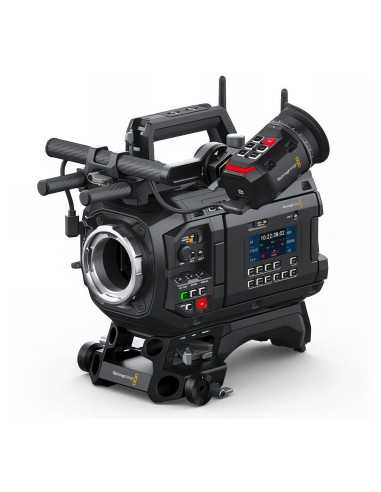
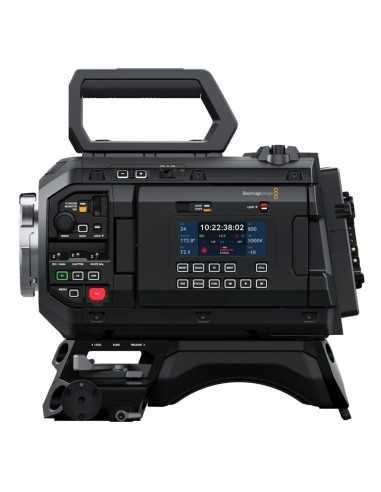
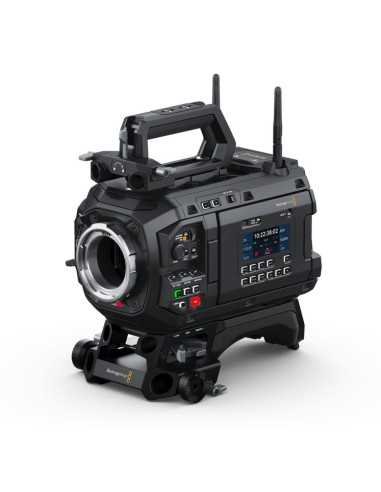
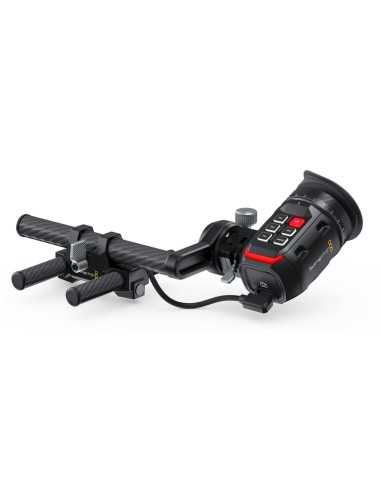
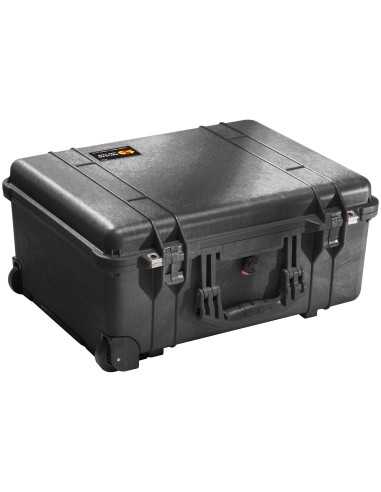
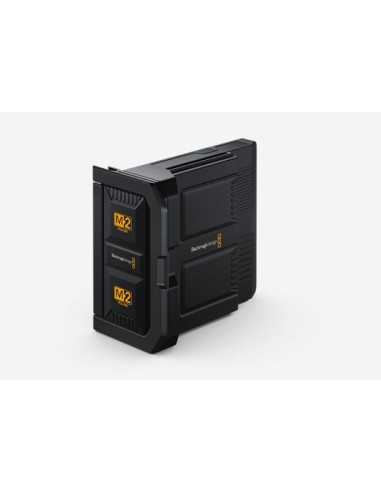
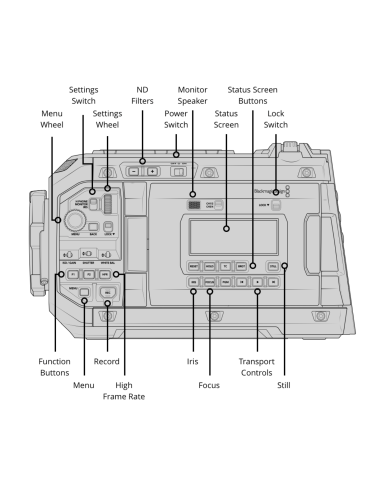
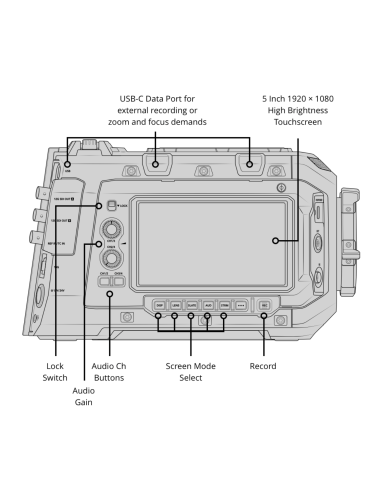
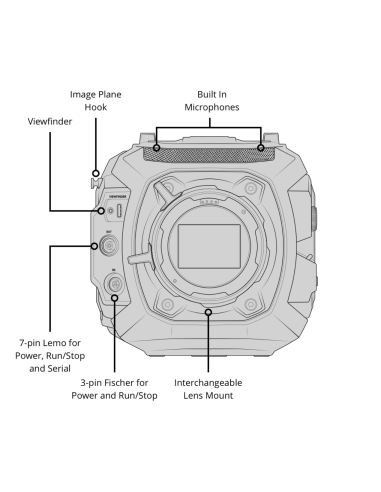
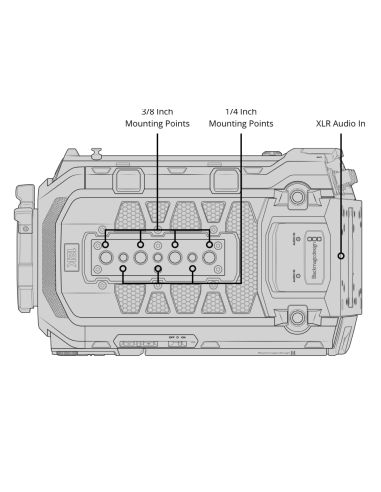
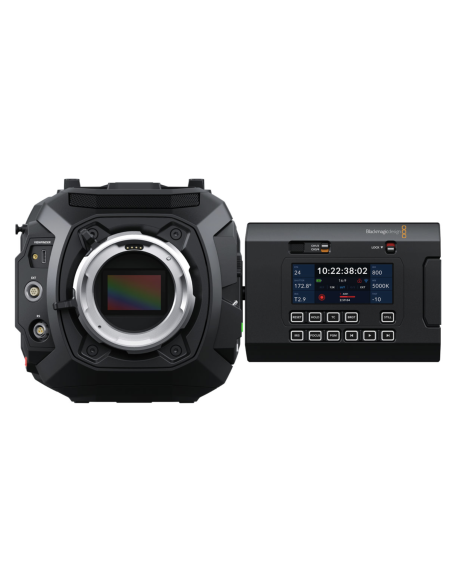
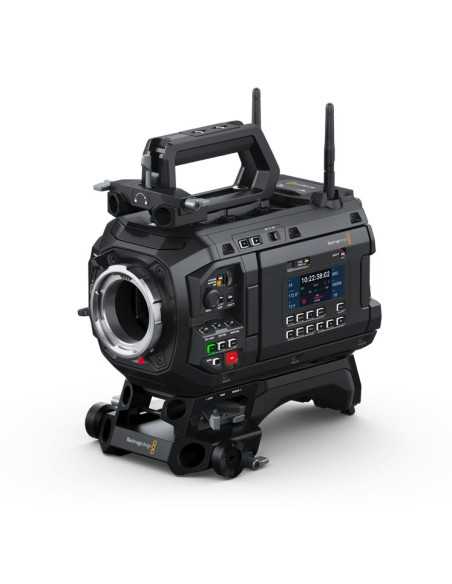
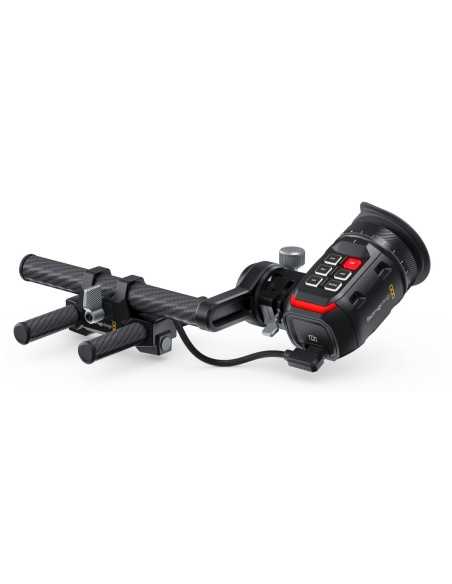
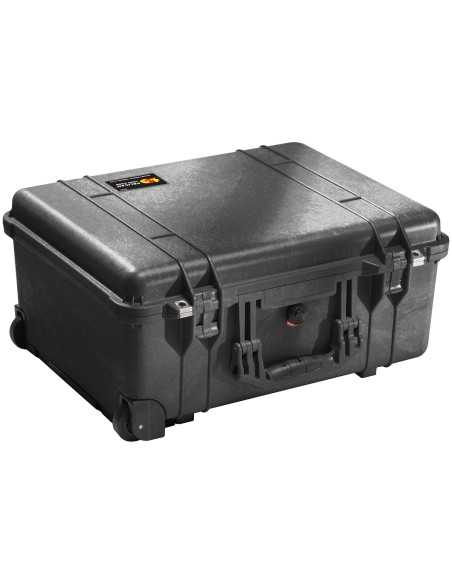
Blackmagic Design URSA Cine 12K Camera with EVF (PL Mount), large format full-frame 12K sensor, 16 stops of dynamic range, Blackmagic Raw up to 12K 3:2 Open Gate, includes EVF top handle kit, streaming via RTMP/SRT over Wi-Fi/RJ45/USB-C, built-in 2/4/6 stop IRND clear filters, built-in 5" 1500 cd/m² fold-out monitor, 12G-SDI output, USB-C expansion ports, Timecode/REF, LEMO/Fischer control ports, two 3-pin balanced XLR audio inputs, 8TB Blackmagic Media Pack, with custom Pelican 1510 foam case.
Includes DaVinci Resolve Studio for Mac and Windows
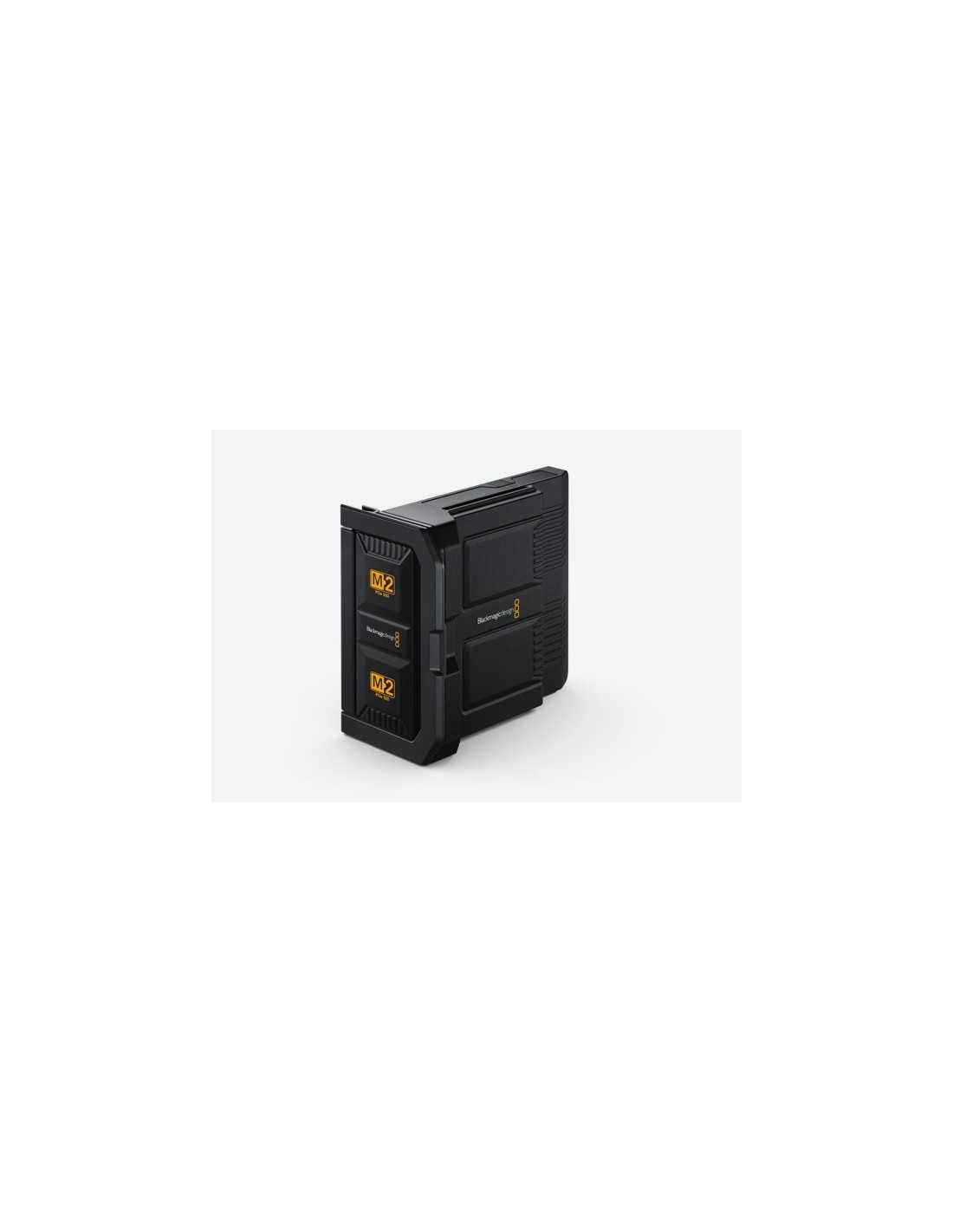
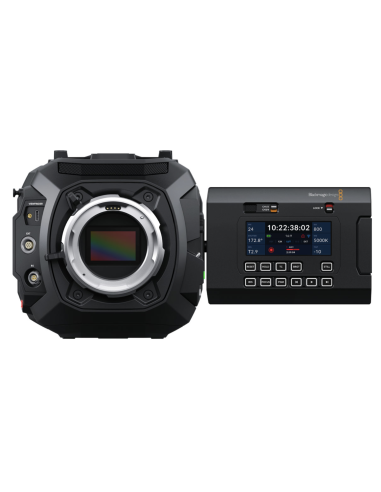
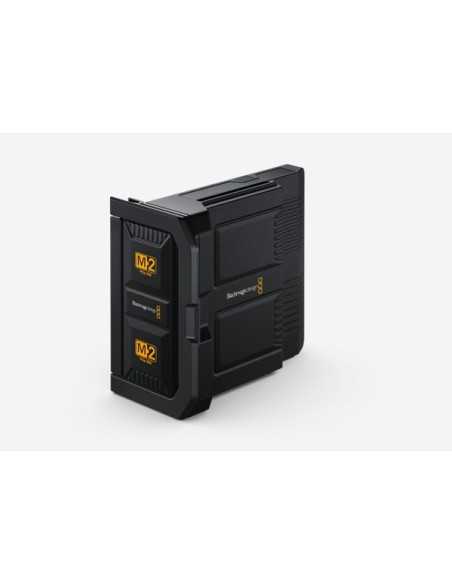
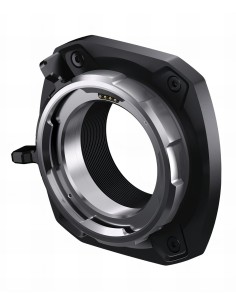
The Blackmagic URSA Cine 12K is a revolutionary digital cinema camera that combines cutting-edge imaging technology with seamless integration into production workflows. The new model features a large 36 x 24mm RGBW sensor with larger photosites and an impressive 16 stops of dynamic range, interchangeable PL, LPL, and EF lens mounts, and professional Lemo and Fischer connections. The Blackmagic URSA Cine 12K includes a high-performance 8TB internal storage and high-speed network connectivity for uploading and syncing files to Blackmagic Cloud.
URSA Cine boasts a revolutionary new sensor designed to deliver stunning images across all resolutions, from 4K up to 12K. The large sensor builds on the technology of the URSA Mini Pro 12K, with large photosites achieving 16 stops of dynamic range. The innovative RGBW architecture provides an equal number of red, green, and blue pixels, optimized to deliver vibrant colors at any resolution, ensuring unmatched flexibility and image quality.
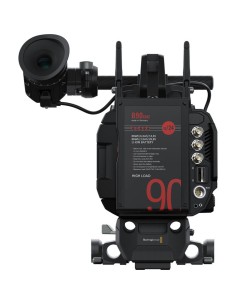
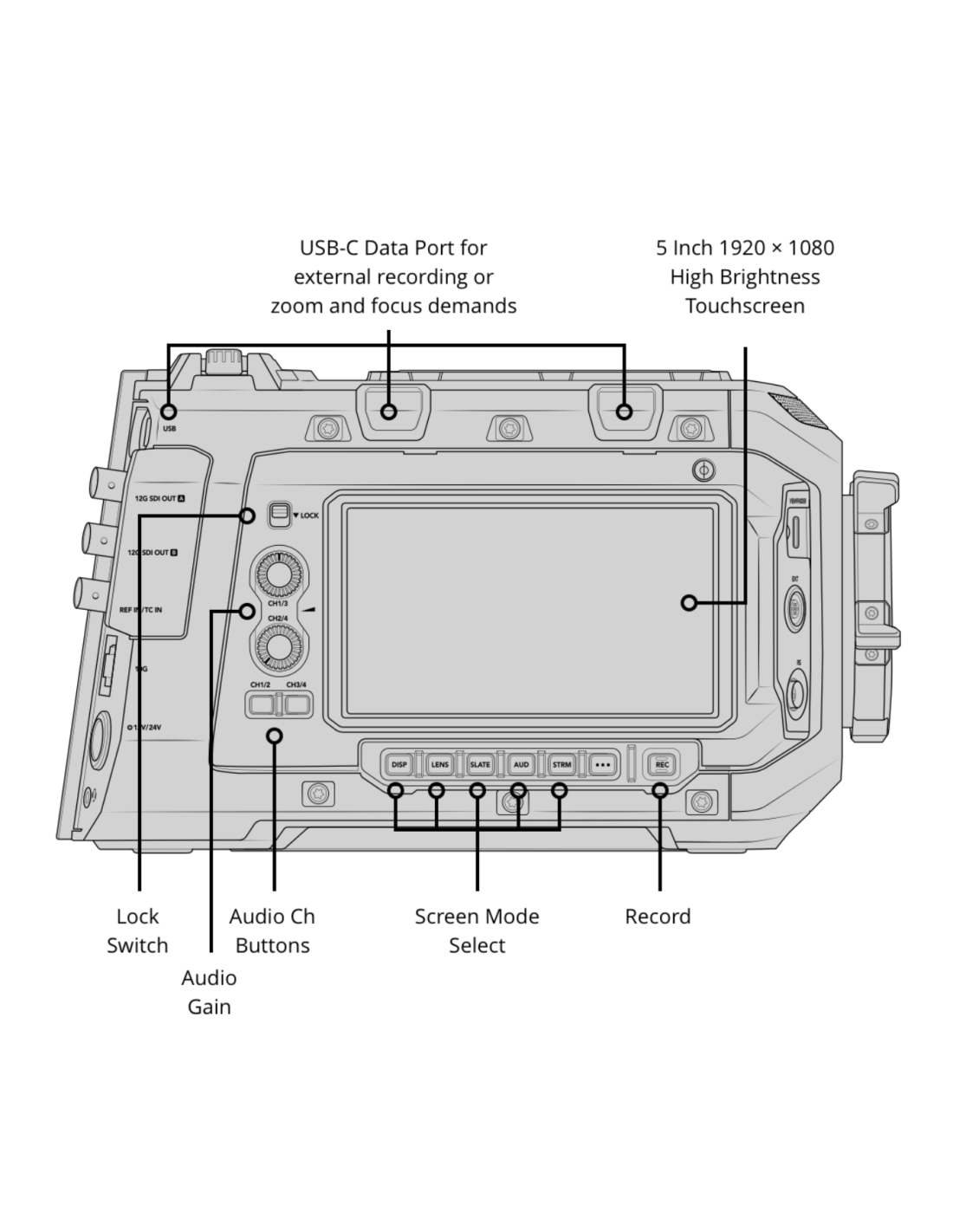
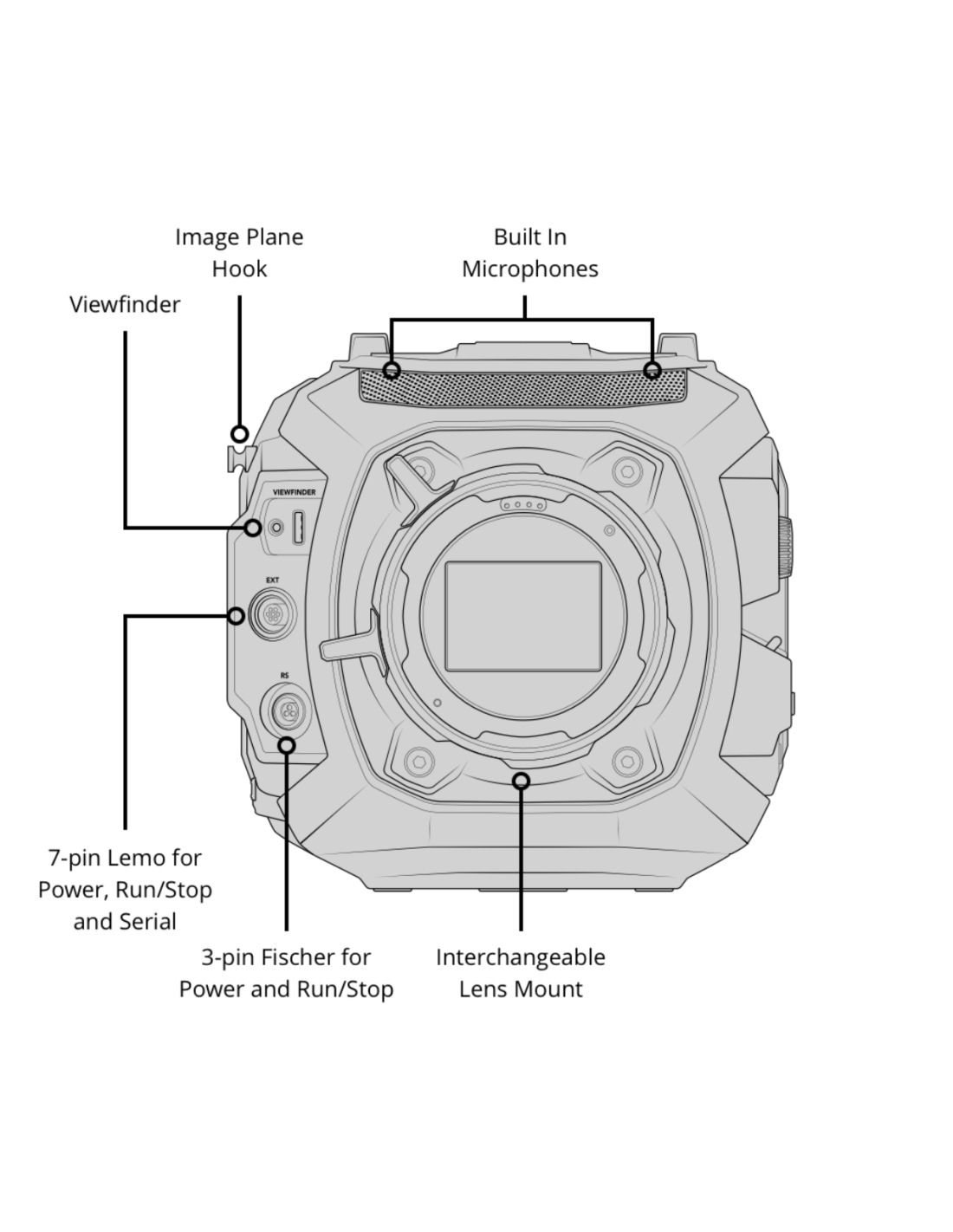
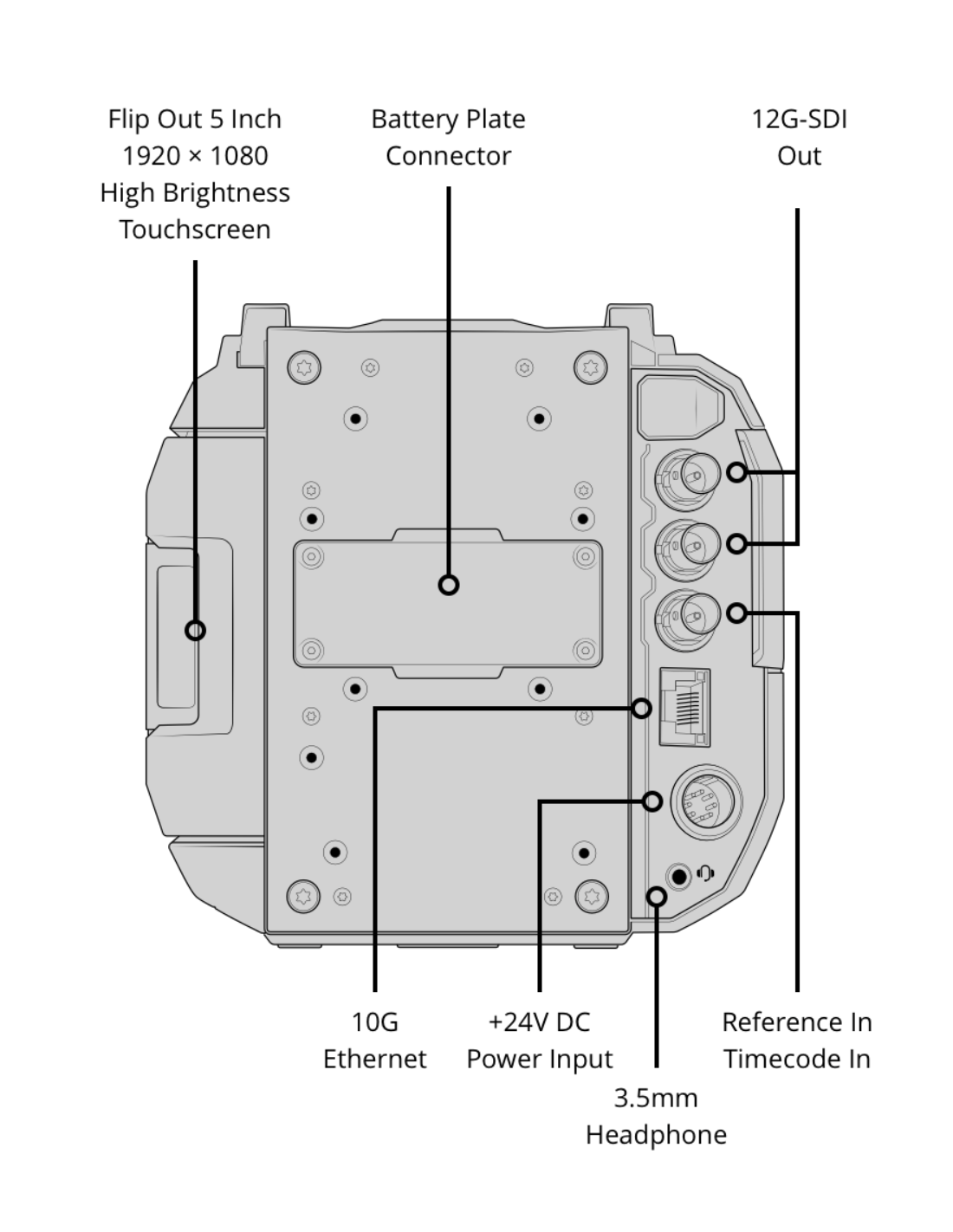
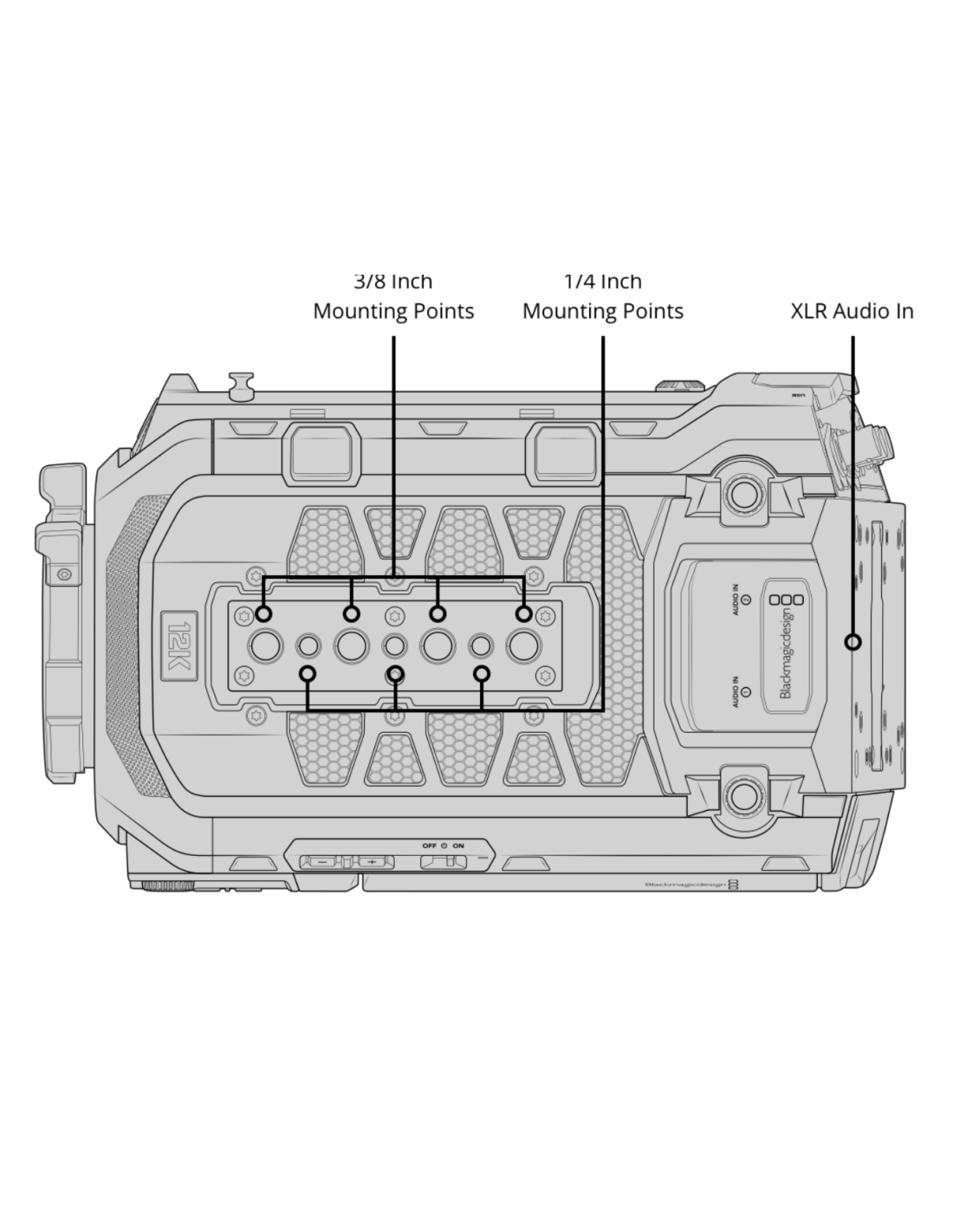
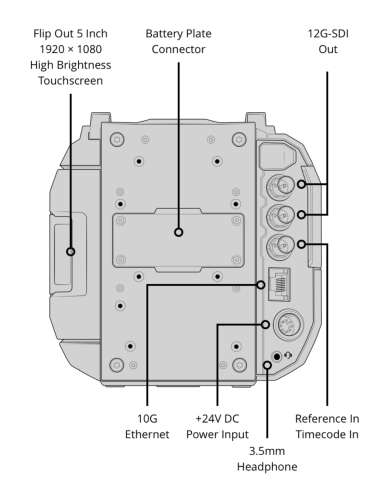
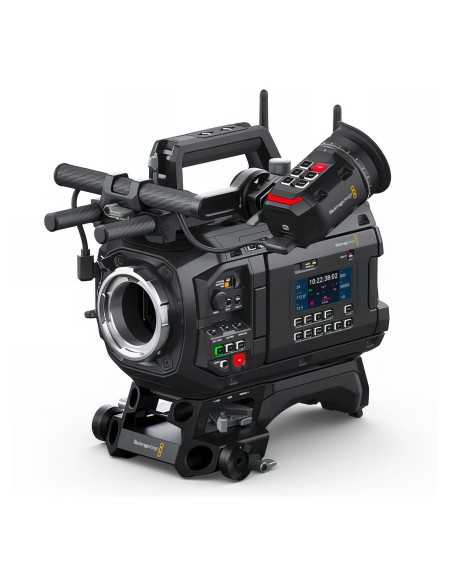
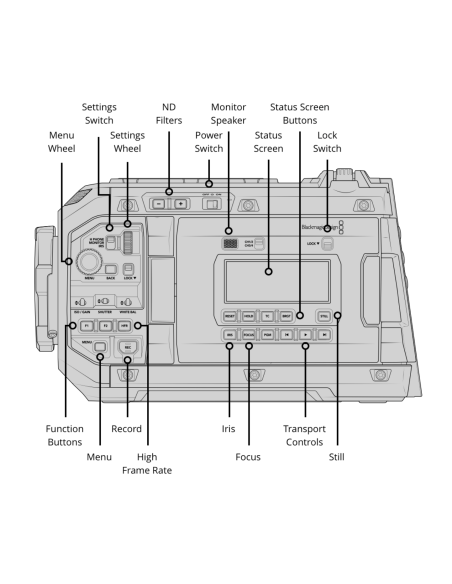
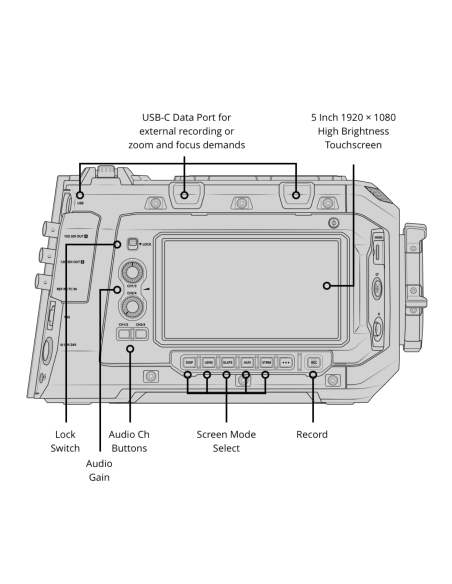
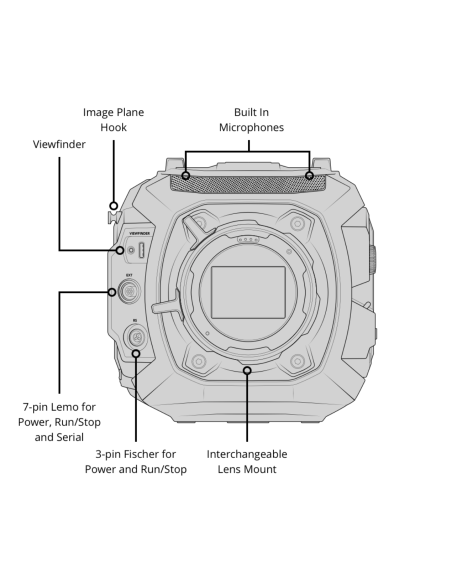
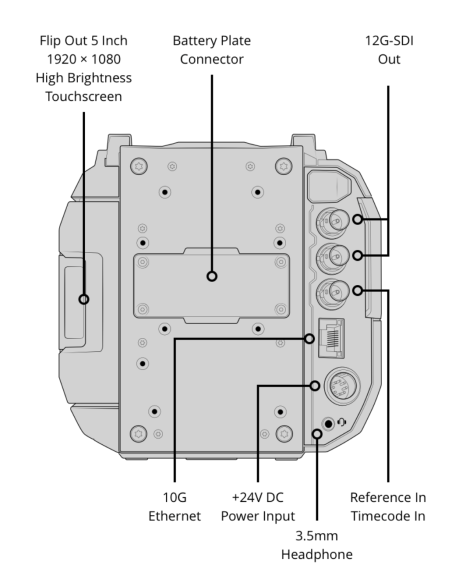
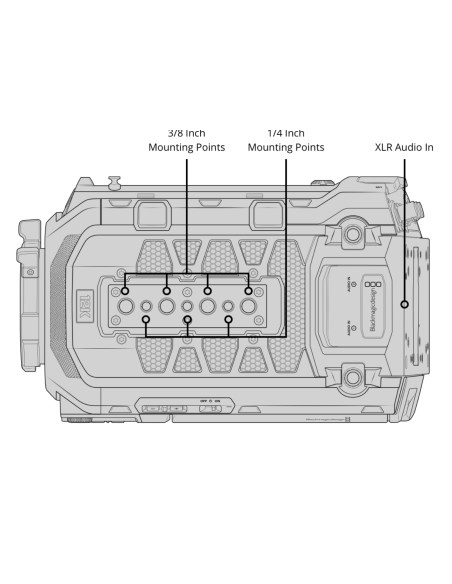
URSA Cine is designed for high-end production needs. Its balanced camera body is constructed from a durable magnesium alloy chassis coated with a lightweight carbon fiber and polycarbonate composite, ideal for fast-paced shooting on set. Professional Lemo and Fischer connectors enable remote camera control and power supply for motorized lenses and other accessories. It also features 10G Ethernet, USB-C, XLR audio, and a 12G-SDI output.
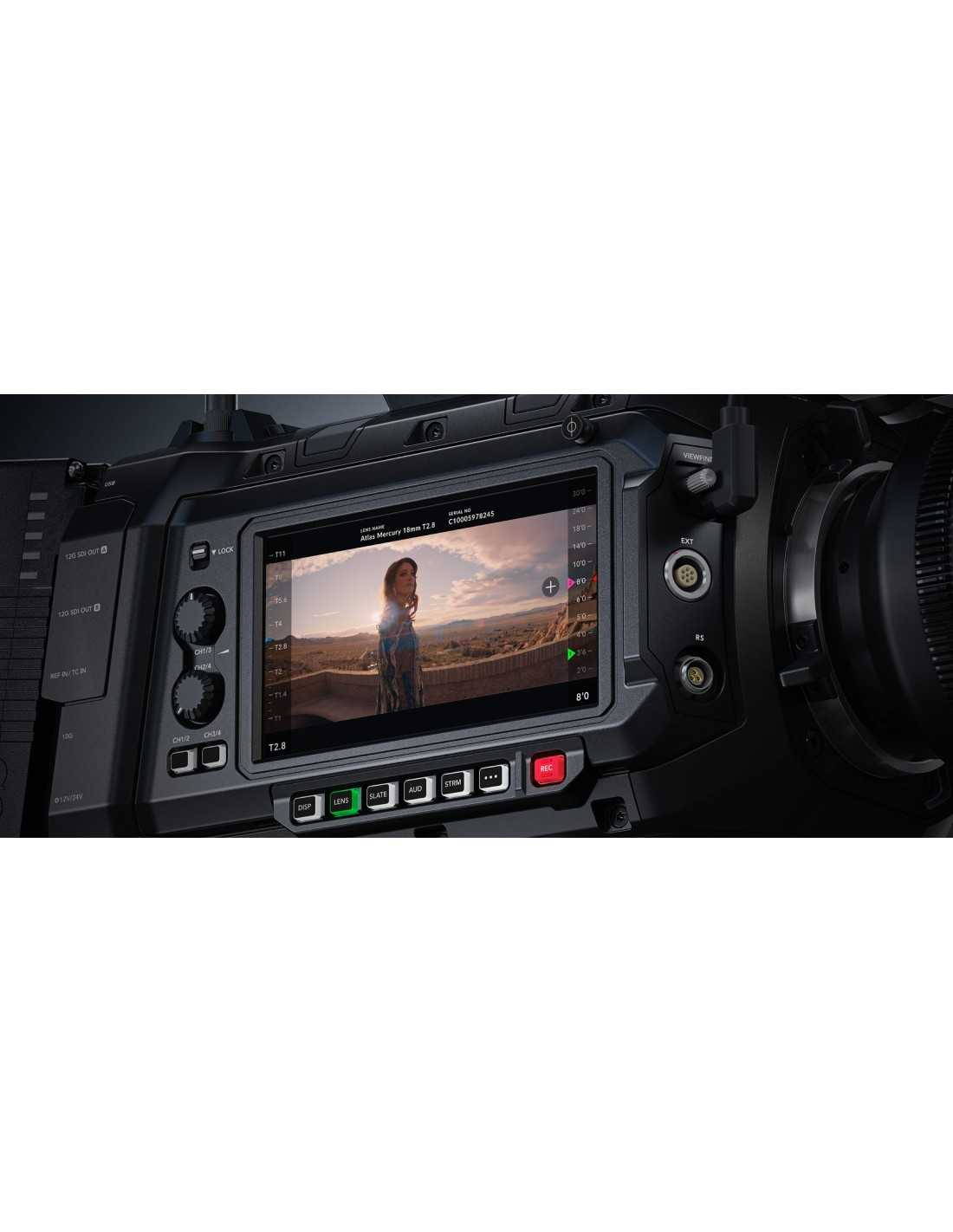
Display HUD
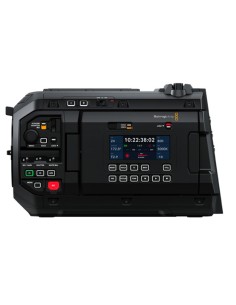
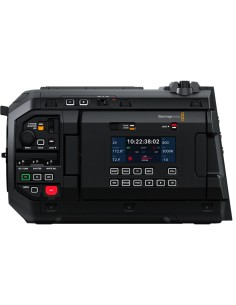
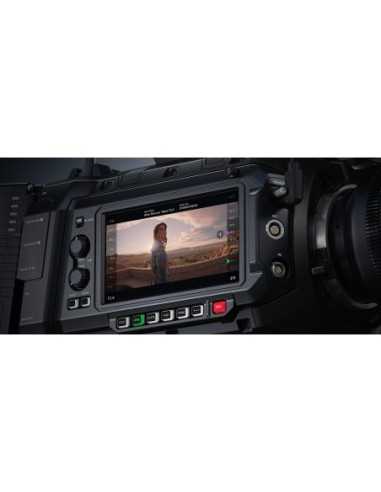
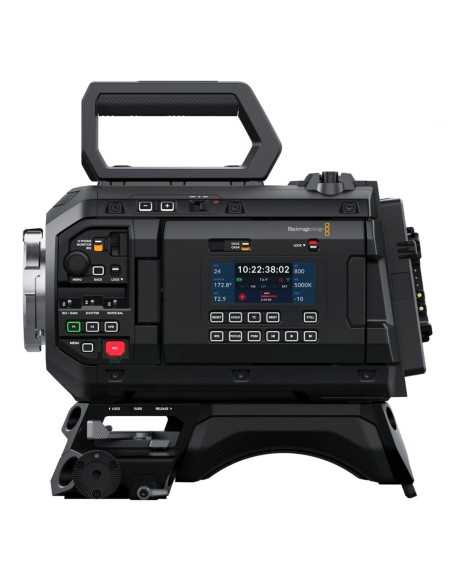
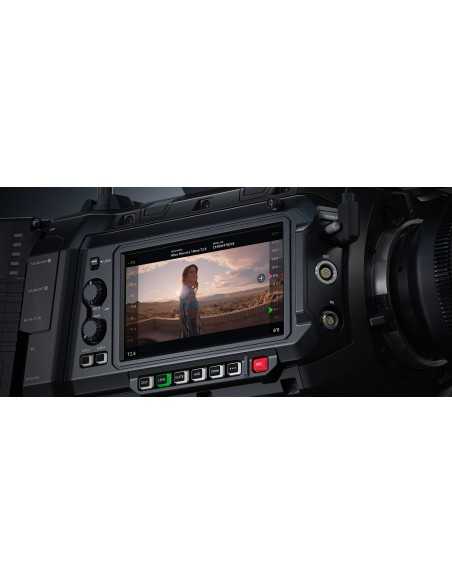
The HUD display overlays key information, including frame rate, aperture, timecode, shutter angle, white balance, ISO, and audio levels. Swipe up or down on the display to show or hide these details. For example, tap WB to adjust white balance or touch the audio level indicators to adjust sound. Every element on the display is interactive, allowing instant settings adjustments without navigating complex menus.
Monitoring Options
URSA Cine allows enabling or disabling various monitoring tools by tapping their icons on the monitor and adjusting them via on-screen options. These include zebra for exposure control, mid-gray, focus assist, guides, and grids.
Frames Per Second
Capture dynamic high-speed or slow-motion effects by setting different frame rates for the project and sensor. Tap FPS to change the project frame rate (playback speed), then enable off-speed sensor recording to capture footage at reduced or accelerated speeds.
Shutter Angle
No other cinema camera offers more intuitive shutter angle controls than URSA Cine. Use them to manage motion blur or compensate for lighting variations. Select common values, input them manually, or let URSA Cine suggest optimal settings to avoid flicker.
Aperture
Easily adjust the aperture to control the amount of light passing through the lens. With an automatic lens, tap IRIS to access compatible options and configure various exposure modes.
Timecode
The centrally located timecode indicator provides all essential information at a glance, showing clip duration (highlighted in red during recording) and the timecode. It also displays status indicators for windowed sensor mode, time-of-day timecode, external timecode, and more.
Blackmagic Cloud
When recording to Blackmagic Cloud, the selected project name appears above the timecode on the camera’s HUD display, colored blue when connected to the internet and gray when offline but recording to a project ready for upload. The next time you record a clip or connect to the internet, the camera automatically begins uploading files to the selected Blackmagic Cloud project.
ISO
URSA Cine is highly light-sensitive, ensuring optimal images in any condition. Tap ISO to instantly select desired values and observe real-time image changes without switching screens.
White Balance and Tint
Adjusting white balance on URSA Cine is quick and easy. Tap WB to access a list of common preset temperatures, including direct sunlight, incandescent, and fluorescent. Manually input values and compare them with presets by cycling through the appropriate icon. Use a white card for auto-balancing to perfectly compensate for any lighting condition.
Streaming Info
During live streaming, you can view the current connection type, such as Ethernet, built-in Wi-Fi, or 4G/5G phone. A counter displays the streaming duration and data rate in megabits per second.
Power
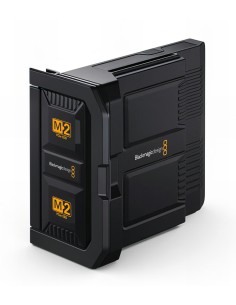
The battery indicator in the top right of the HUD shows remaining charge as a percentage, bars, or voltage. When connected to mains power, it displays AC or indicates that the battery is charging.
Advanced Digital Slate
The digital slate offers powerful features to streamline metadata entry. Swipe left or right on the screen to access it. When starting or stopping recording, URSA Cine automatically increments the slate number, eliminating the need for manual updates. Formatting a card automatically advances the reel number. Electronic lens metadata is read by default, or you can manually input it along with other specific details. All metadata is saved with the files and accessible during editing and color correction in software like DaVinci Resolve.
Innovative Dashboard for Total Control
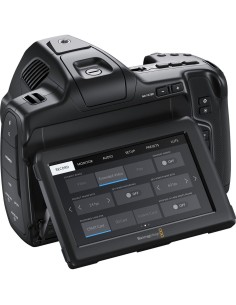
The URSA Cine dashboard features six elegantly designed, user-friendly tabs providing instant access to all camera functions. The Record, Monitor, Audio, Setup, Preset, and LUT tabs allow you to manage every option with a single touch. The intuitive interface organizes settings logically, making it easy to locate and adjust them quickly.
Shooting Settings
The Record tab offers a revolutionary, fast interface for selecting format, resolution, frame rate, and more. Tap the desired resolution and aspect ratio, and available Blackmagic RAW compression options appear below. The tab also lets you select Video, Extended Video, or Film dynamic range, set sensor mode, frame rate, storage recording options, time-lapse effects, and more.
Versatile Monitoring
The Monitor tab provides full control over images displayed on the LCD, viewfinder output, and both SDI outputs. Each output can have its own overlays. For example, you can send a clean feed or apply zebra, focus assist, and framing guides to one or all outputs. Set resolution, apply LUTs, and scale the image so overlays appear around it rather than on top. URSA Cine also supports distortion-free anamorphic format monitoring. You can choose which status information to send to different crew members, such as the cinematographer or director, via different outputs.
Professional Audio
Adjust audio levels directly from the interactive HUD or access full controls in the Audio tab of the dashboard. Select the camera’s microphone or XLR input, adjust headphone, speaker, and microphone levels, low-cut filter, and more. Choose mic or line levels for channels 1 and 2, enable 48V phantom power for microphones without their own power, and manage gain for each input.
Quick Setup
URSA Cine streamlines setup for immediate use. In the Setup tab, configure the date and time server, language, shutter and sensitivity settings, electrical system, timecode, and more. For wireless monitoring of a shoot, stream via a Blackmagic ATEM Streaming Bridge, a decoder that converts H.264 video streams to SDI video. You can even customize the external F1 and F2 buttons to trigger presets, navigate options, or enable/disable functions.
Create Configurations
Every user and production requires unique setups. The Preset tab in the dashboard allows URSA Cine to create and save up to 12 configurations on USB drives or CFexpress cards, transferable to other cameras for consistent settings. When switching between cameras, save the preset configuration to a CFexpress card or USB-C drive and load it onto any URSA Cine for the desired shots.
Integrated 3D HDR LUTs
3D LUTs adjust the color of output content, allowing the director and cinematographer to preview images with a specific look during shooting. LUTs are especially useful for RAW or Film dynamic range shooting, which can appear flat. This simple, effective system lets you visualize images with a semi-final aesthetic, as if color-corrected in post-production on DaVinci Resolve. With URSA Cine, apply 3D LUTs to the LCD touchscreen, viewfinder, or SDI outputs for high-end cinematic productions.
Blackmagic URSA Cine 12K Features
What’s Included





Blackmagic has grown rapidly to become one of the world's leading innovators and manufacturers of creative video technology. And that's because our philosophy is refreshing and simple - to help true creativity blossom.
Blackmagic Design's founders have had a long history in post-production editing and engineering. With extensive experiences in high-end telecine, film and post, harnessed with a real passion for perfection, Blackmagic set out to change the industry forever.
A company dedicated to quality and stability and focusing on where it's needed most; Blackmagic has created some of the most talked about products in the industry. World famous for their unbeatable codecs, Blackmagic envisioned truly affordable high-end quality editing workstations built upon Blackmagic software and hardware.